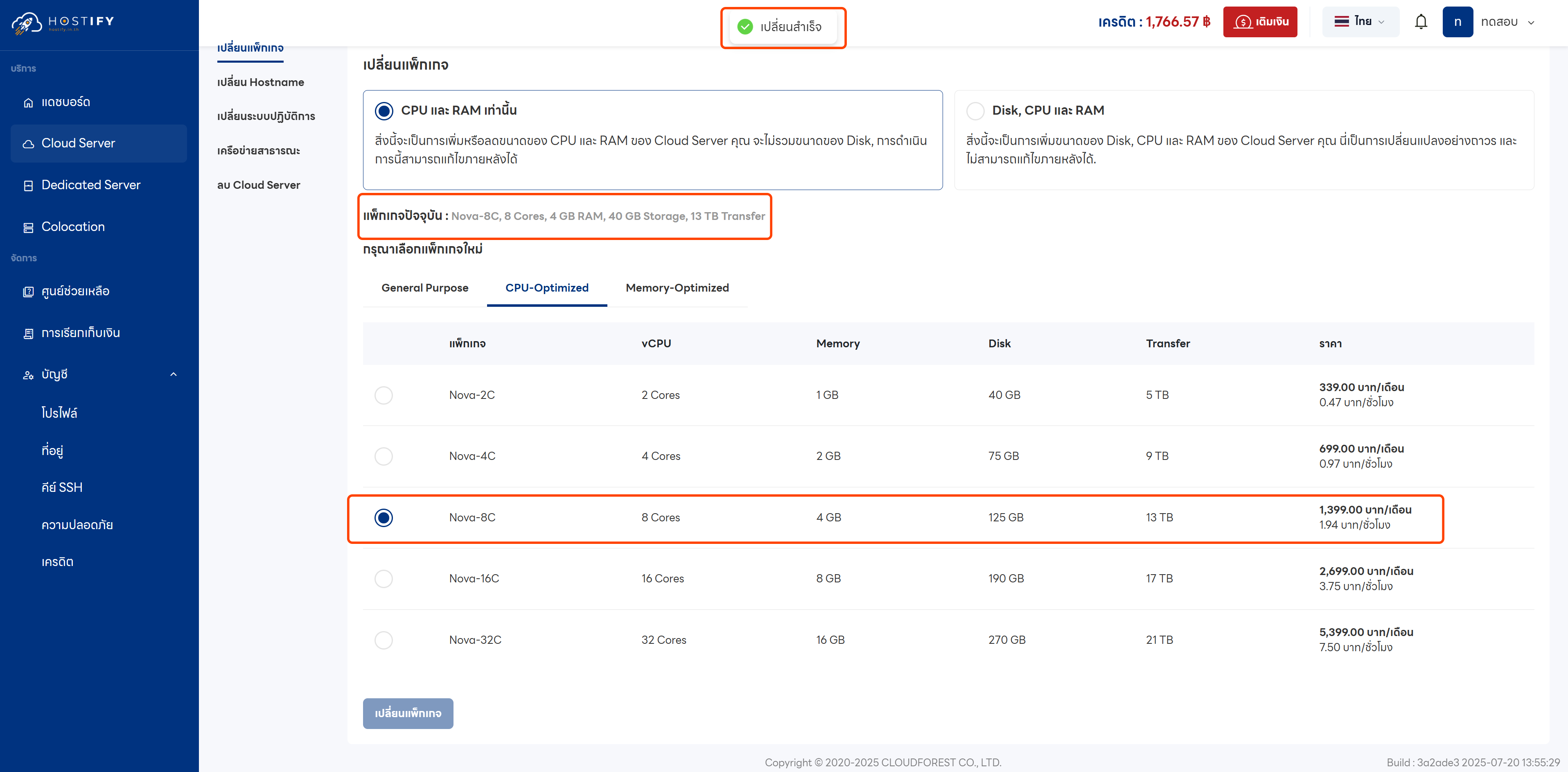
How to Change a Cloud Server Plan
This article explains how to resize a Cloud Server by changing its CPU, RAM, and disk size.
Plan Change Options
Section titled “Plan Change Options”Option 1 — CPU & RAM only: You can adjust CPU and RAM independently, but you cannot downgrade to a plan with a smaller disk.
Option 2 — Disk, CPU & RAM: Change all three components at once permanently. Downgrading to a plan with a smaller disk is not allowed.
Note: Check the server’s available space before increasing disk size, as disk expansion is a permanent change.
Steps to Change the Plan
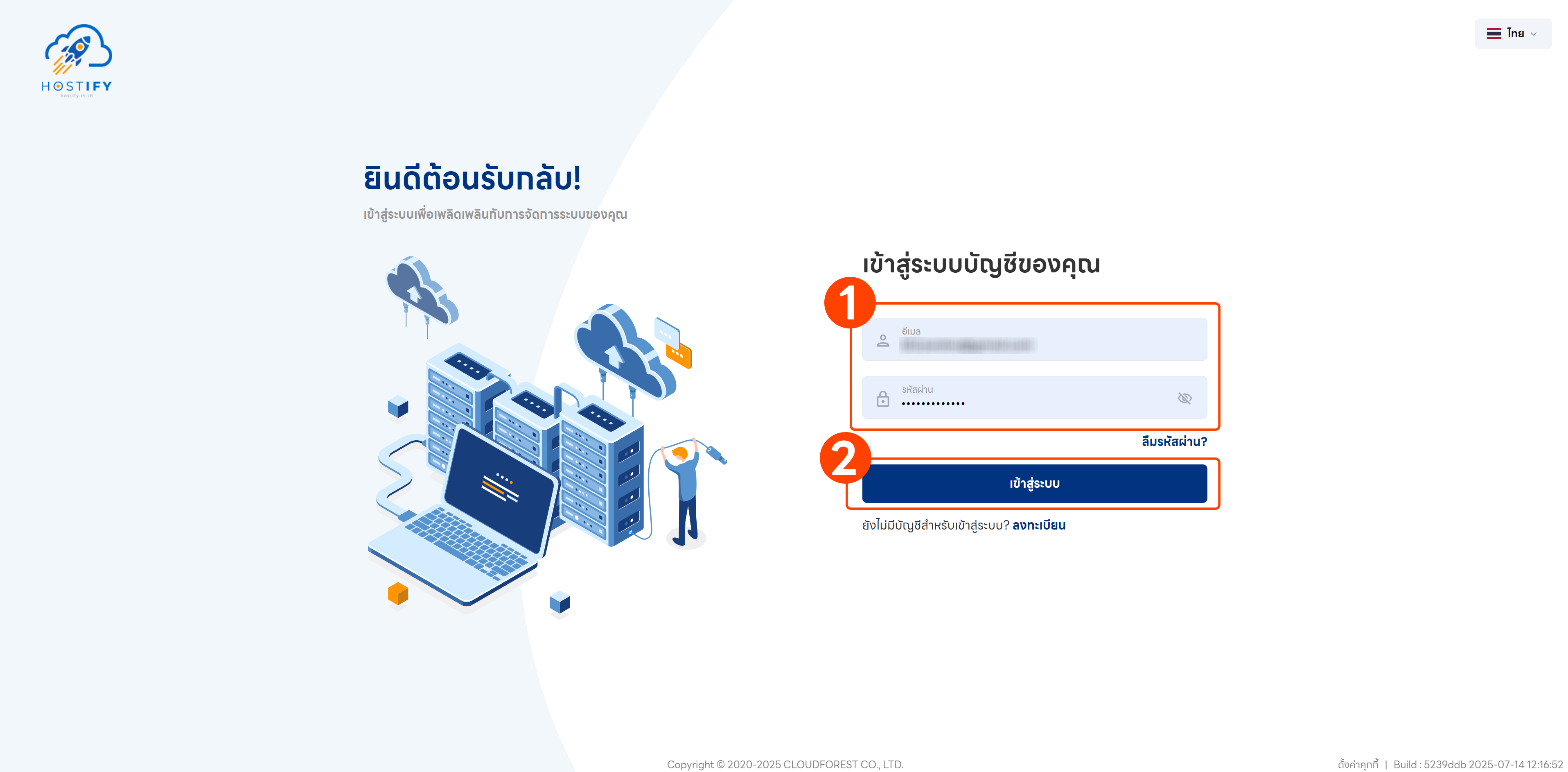
Section titled “Steps to Change the Plan”- Log in at fleet.hostify.in.th
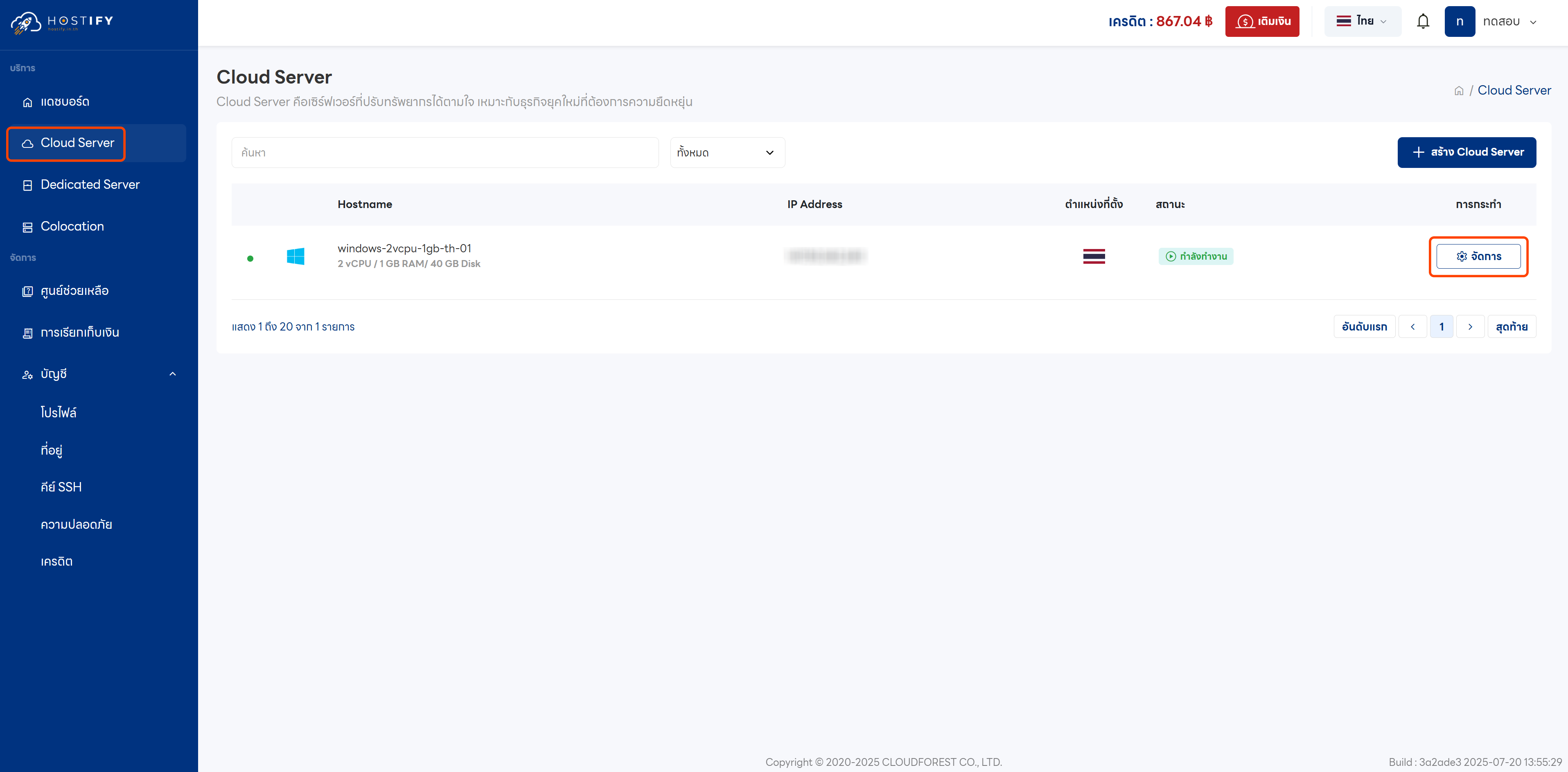
- Go to the Cloud Server management page
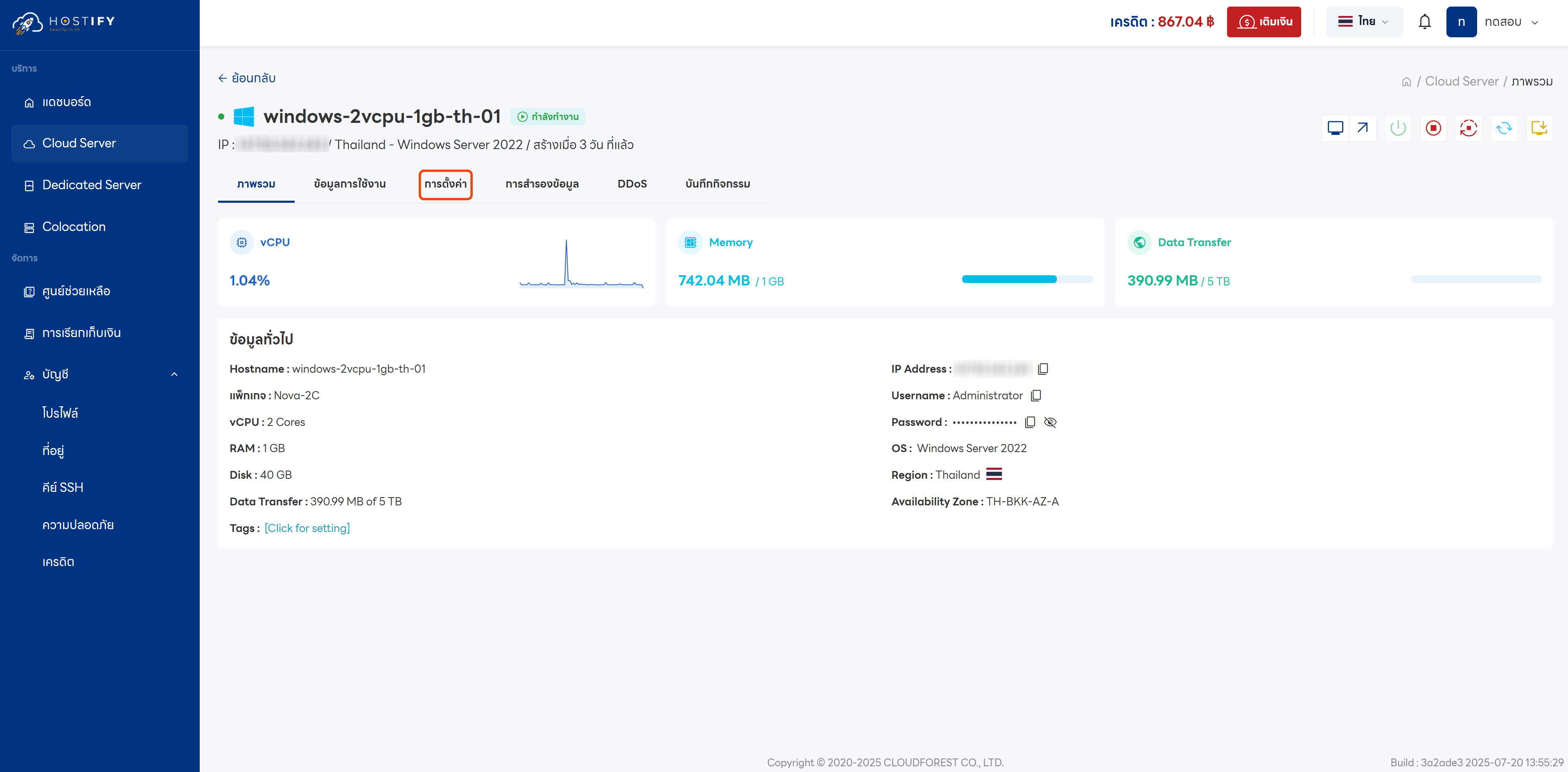
- Click Settings
- Shut down the server first using the command:
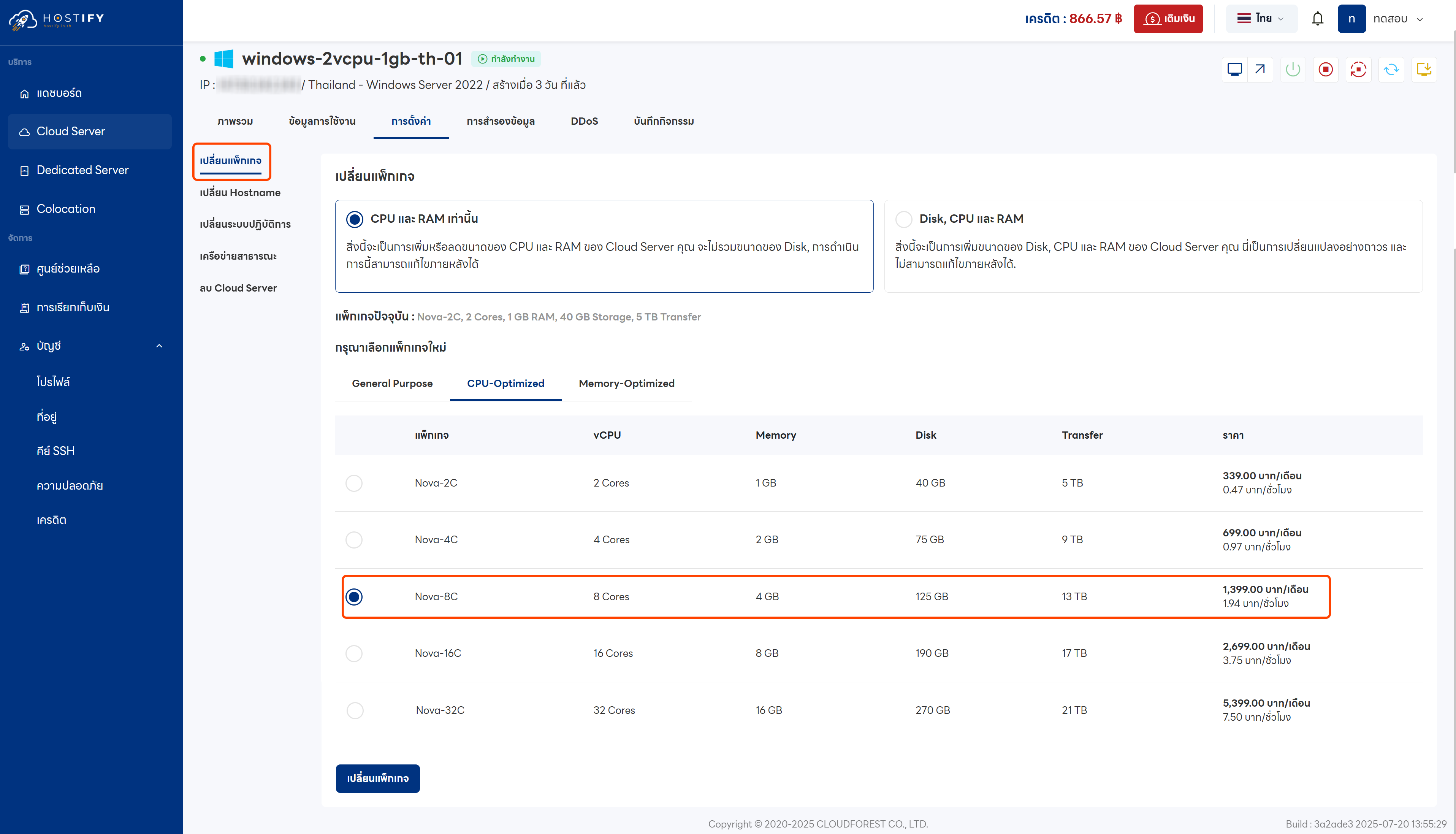
- Select the desired plan option and confirm the change
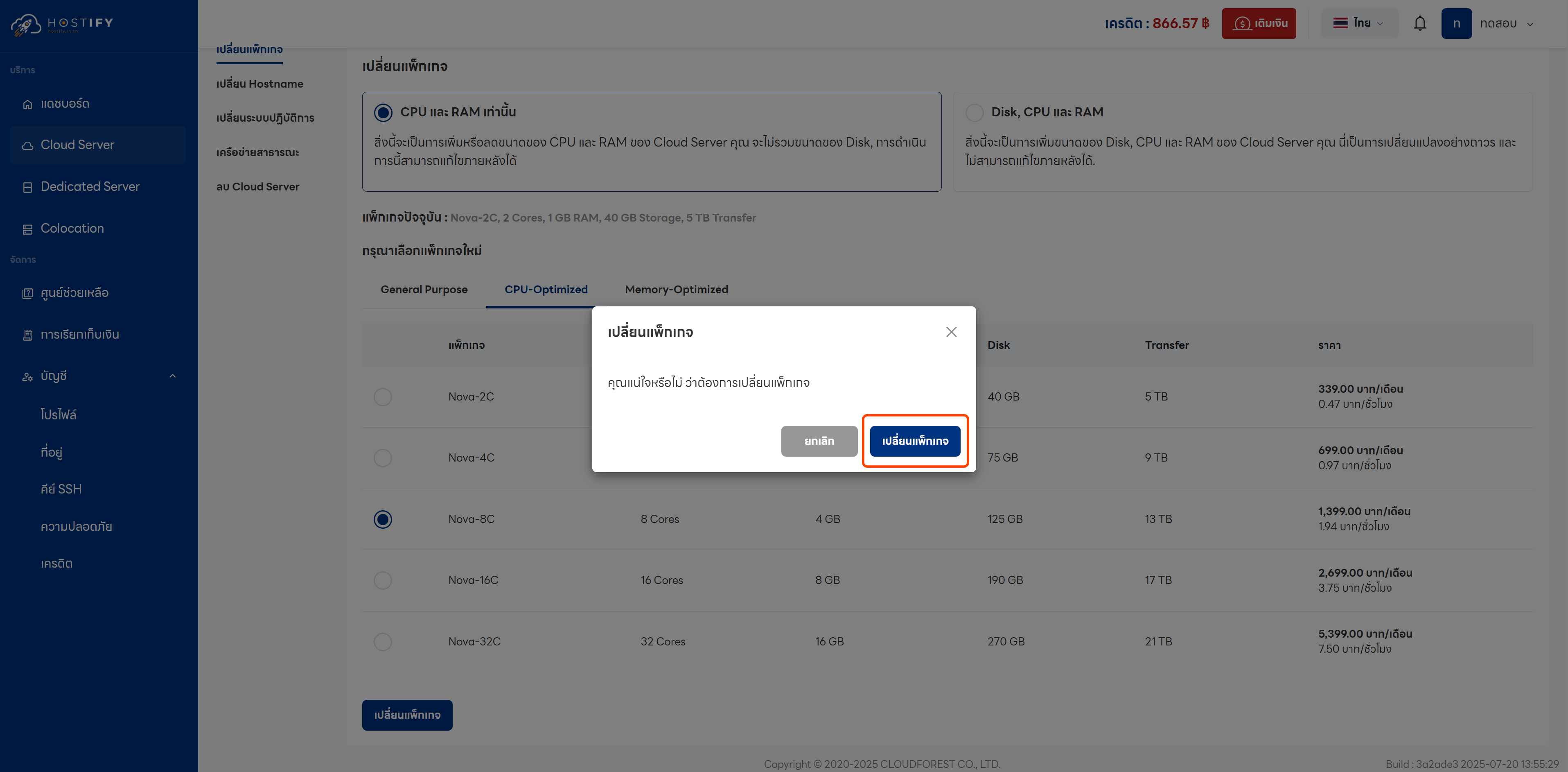
- The changes will be reflected in the Overview Dashboard