How to Disable Cloud Server Backup
Steps to Disable Backup
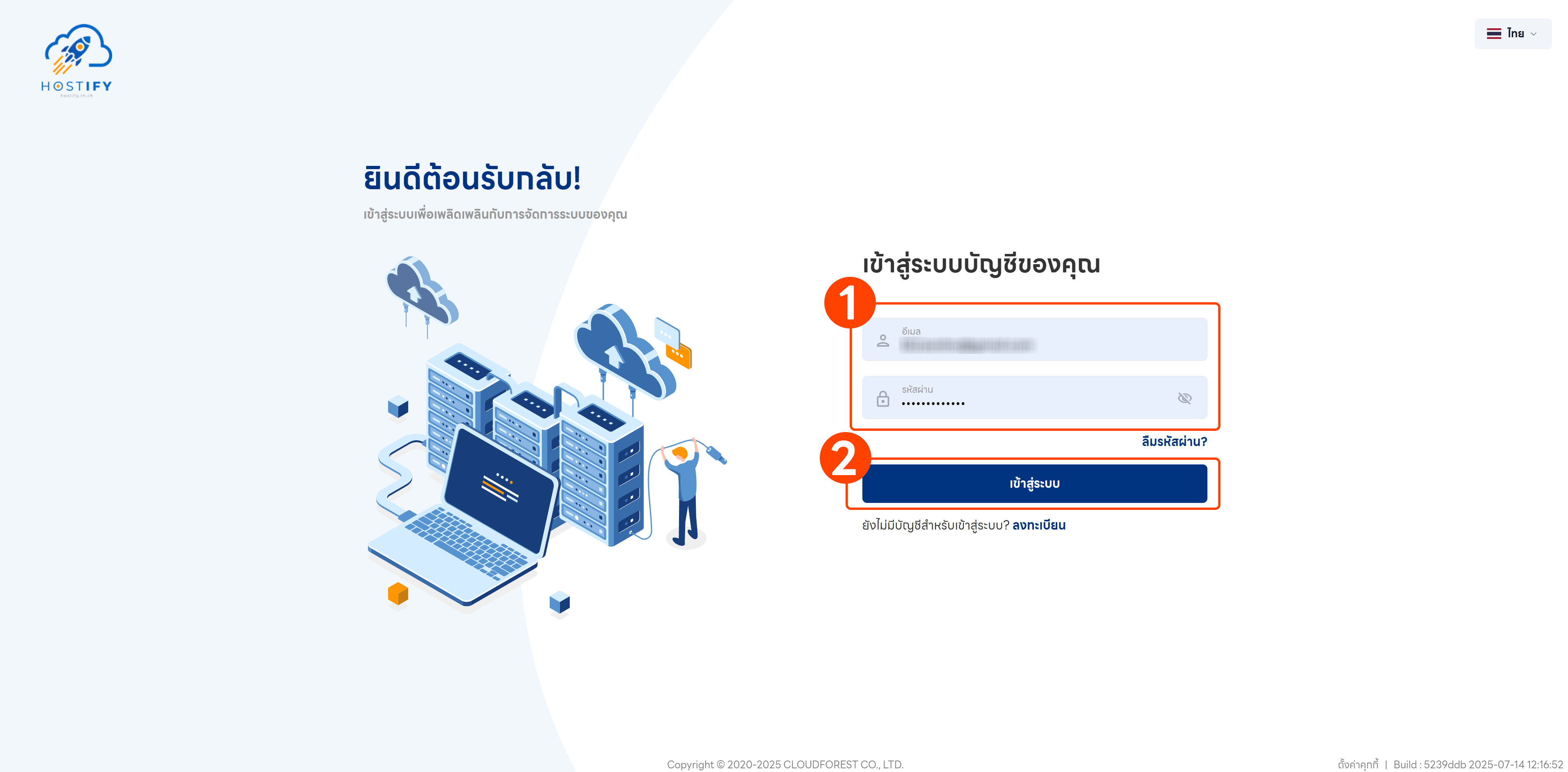
Section titled “Steps to Disable Backup”- Log in at fleet.hostify.in.th
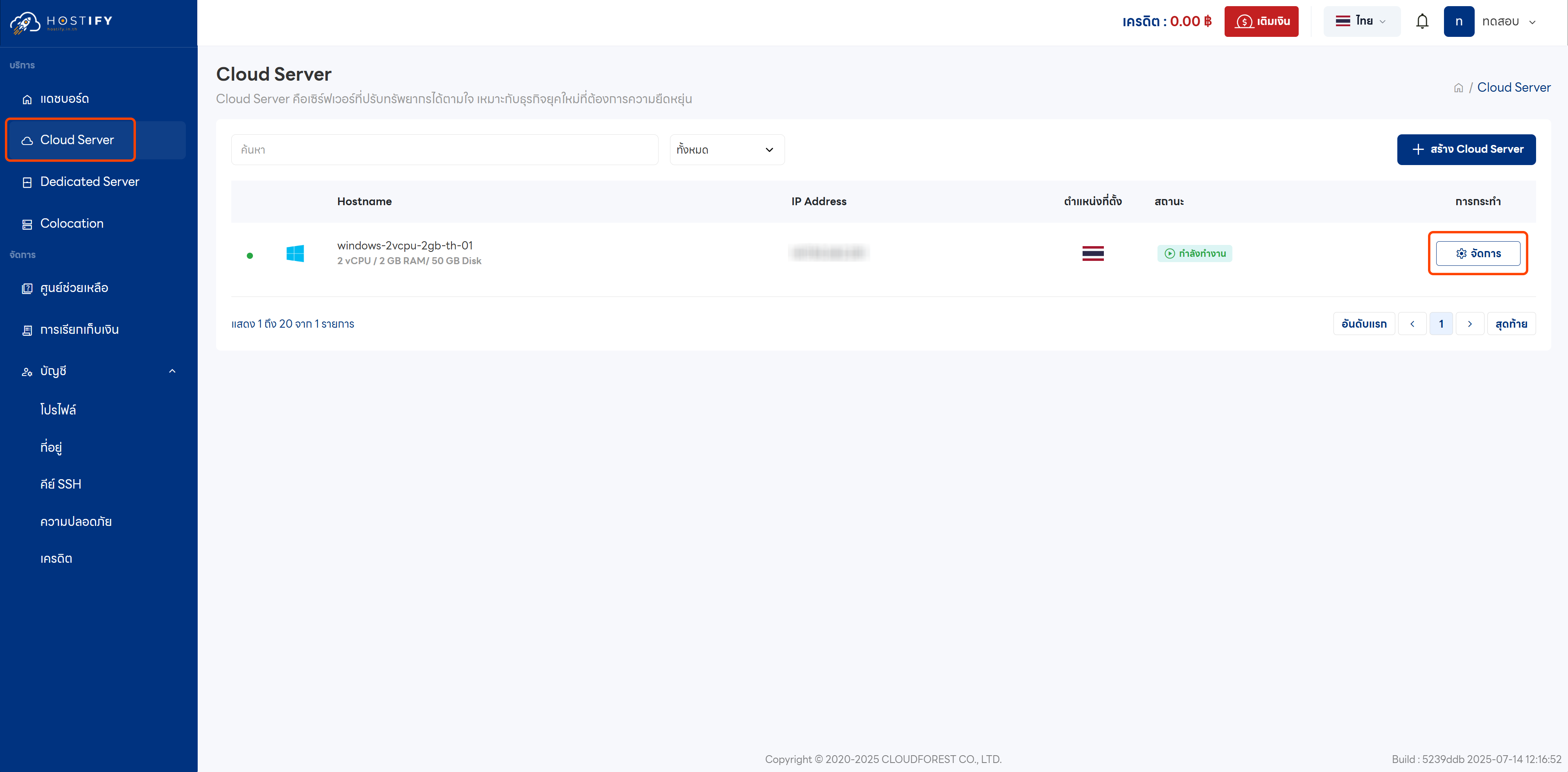
- Go to your Cloud Server management page
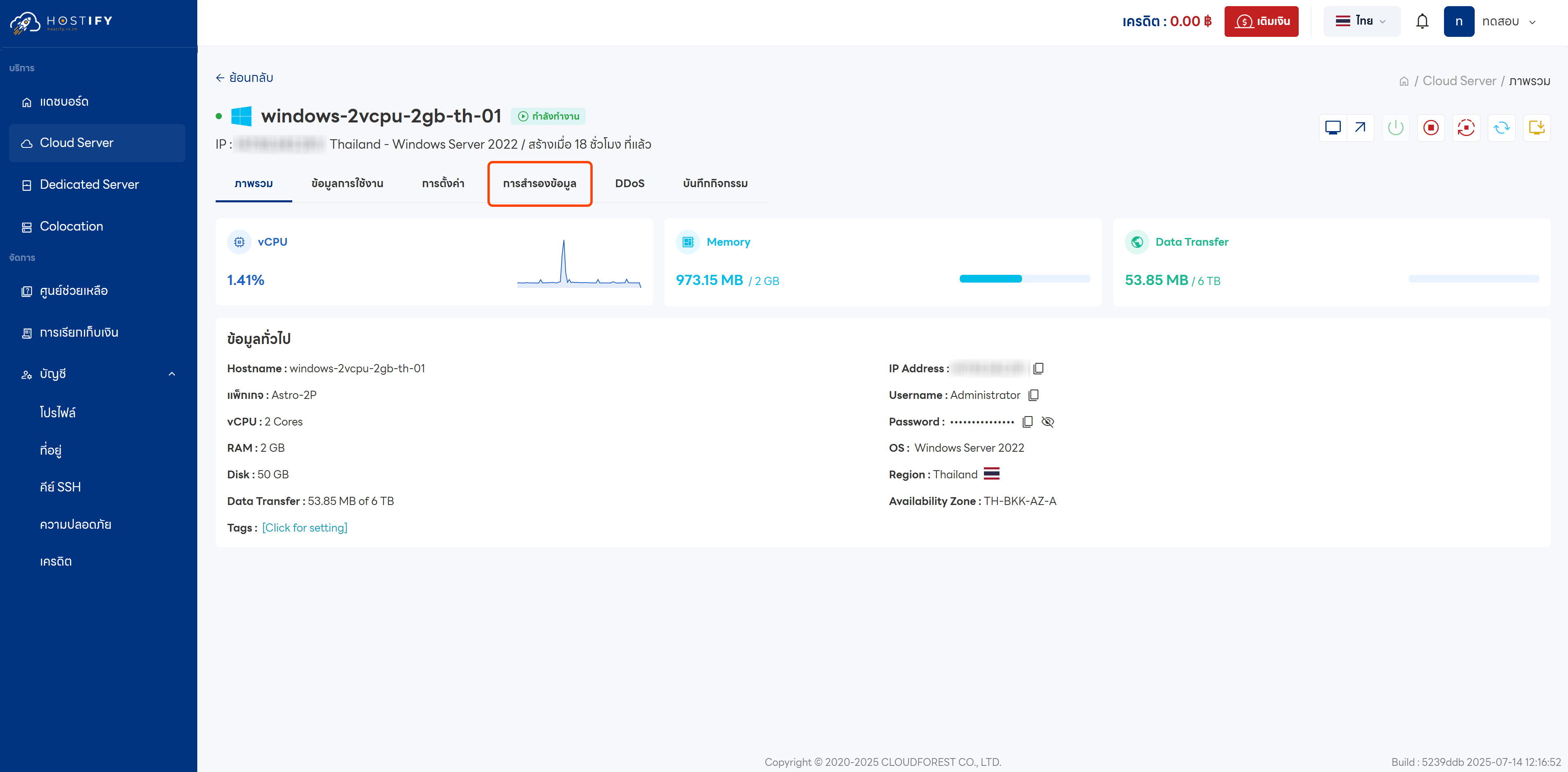
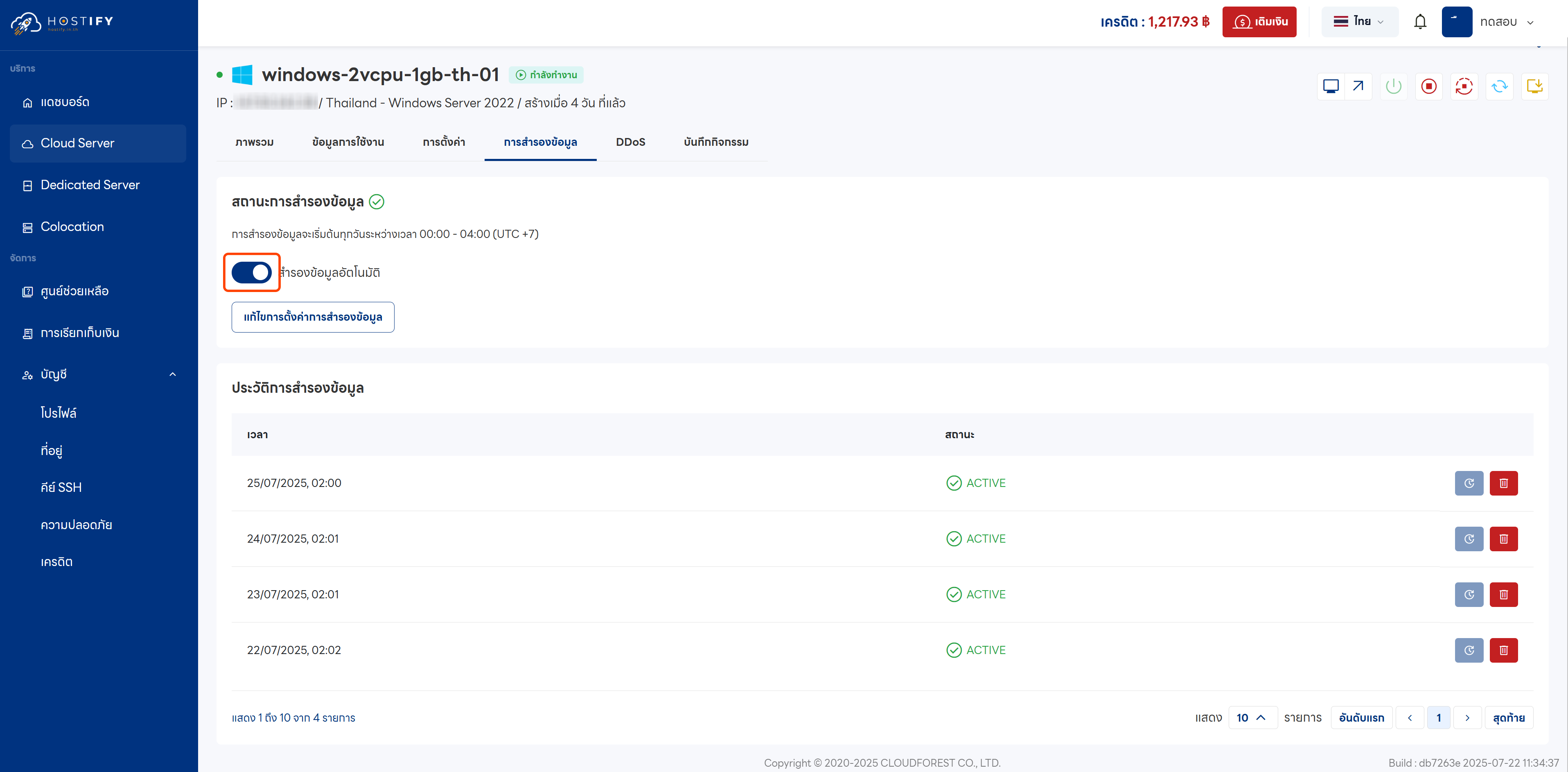
- Click the “Backup” tab
- Click to disable automatic backup
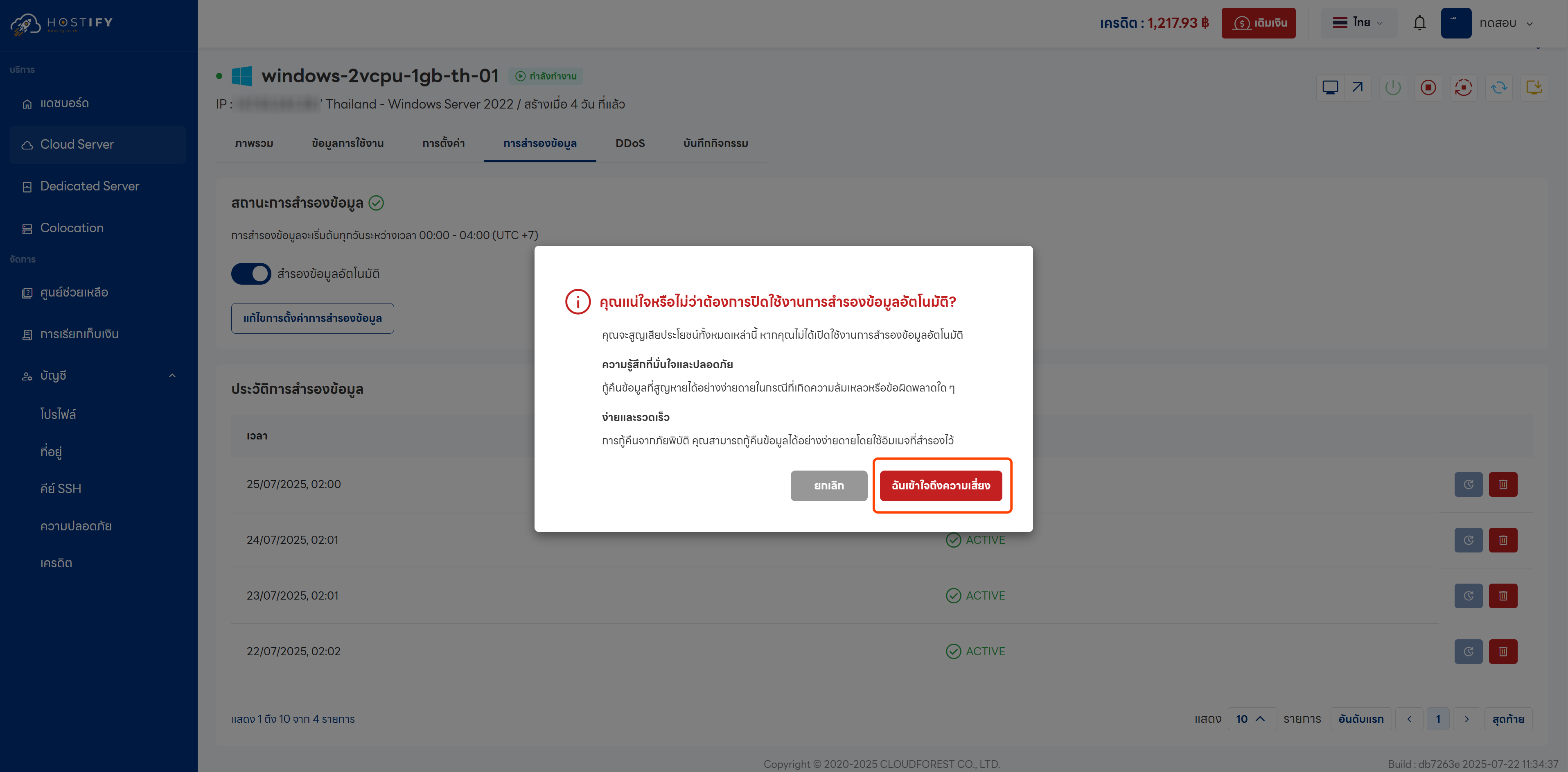
- Click “I understand the risks”
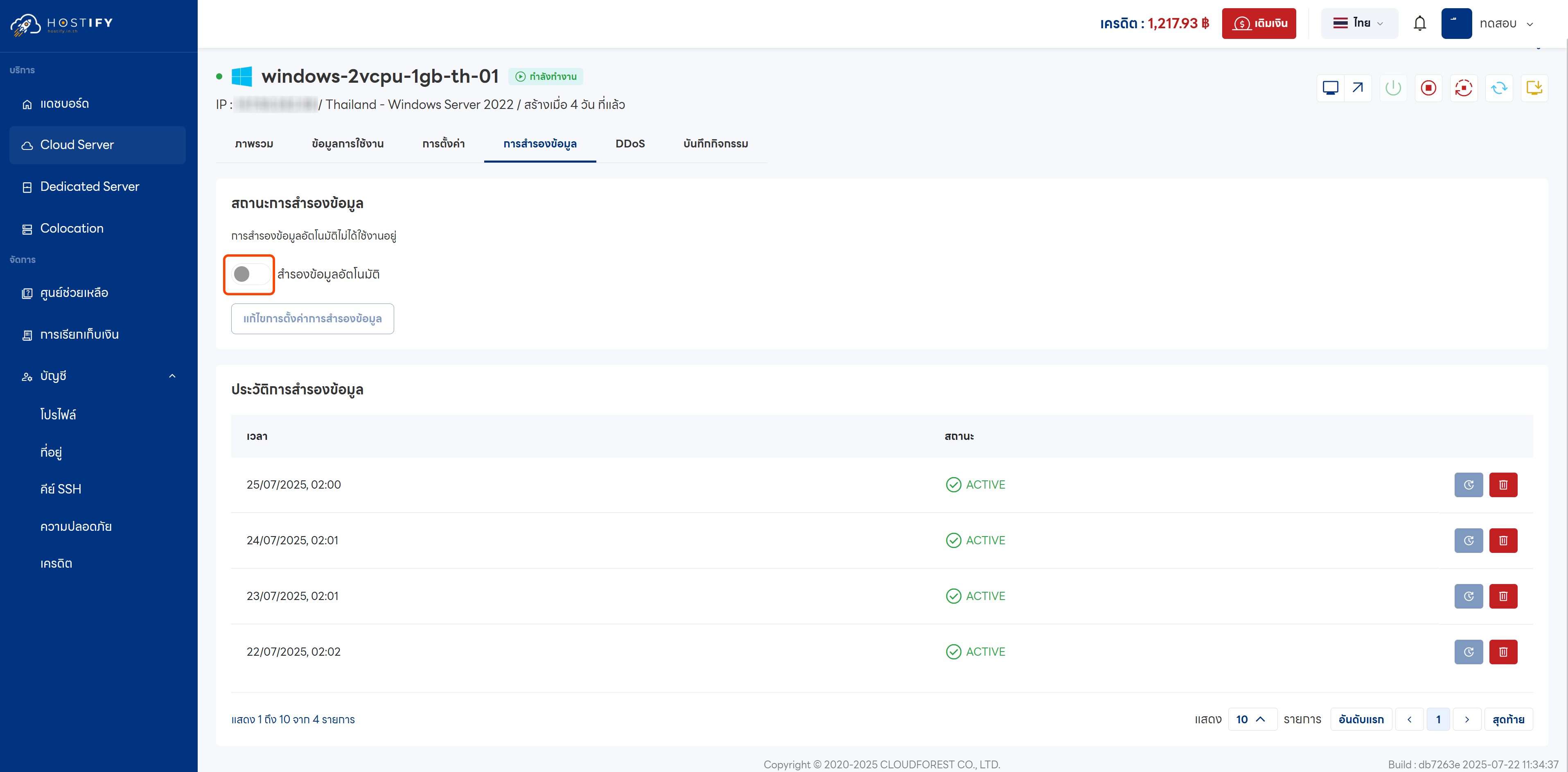
- Once disabled, the automatic backup toggle will turn grey
Note: Disabling backup does not stop billing. To stop charges, you must also delete the backup files from the system.
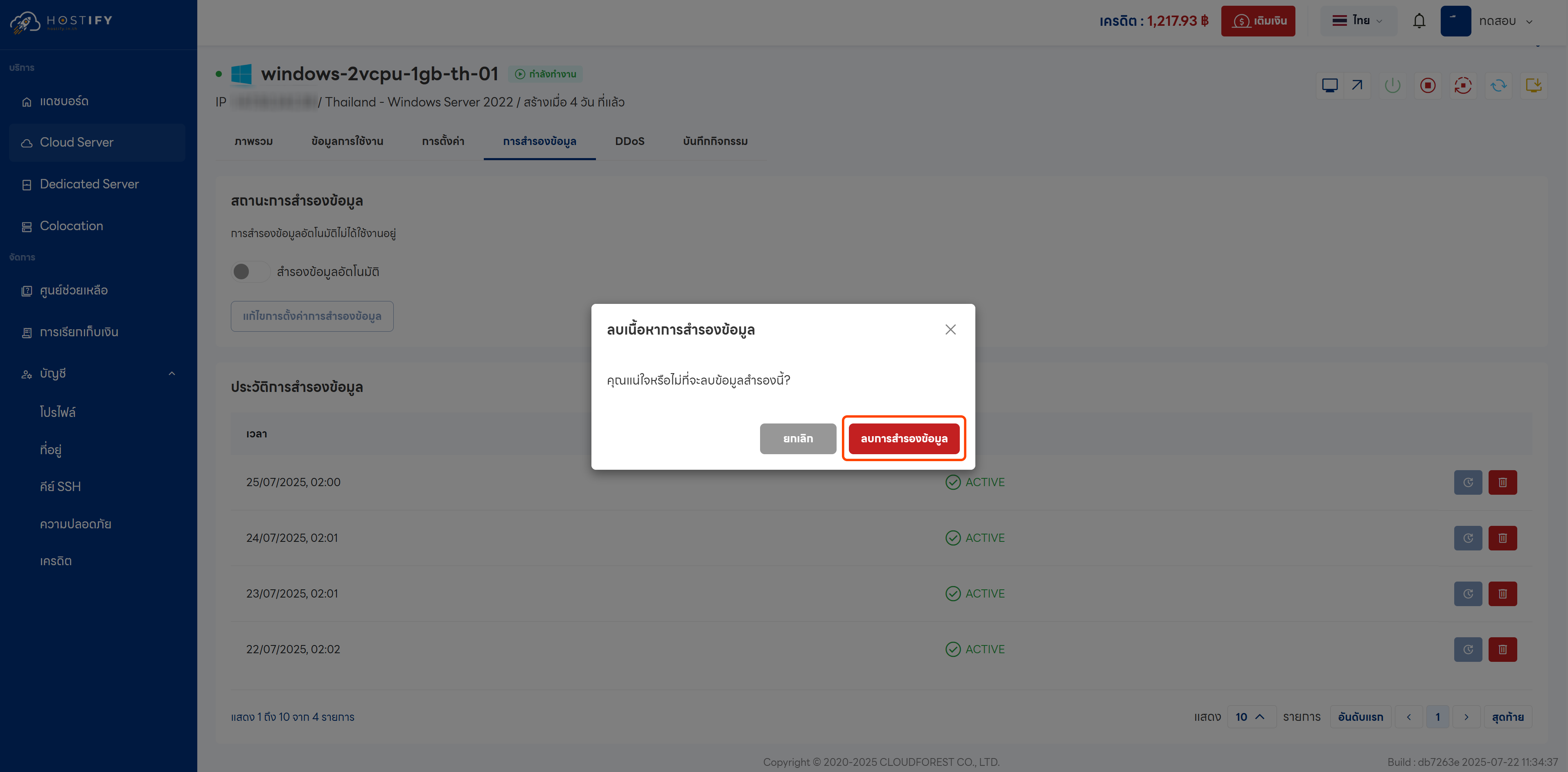
- Confirm deletion of backup files
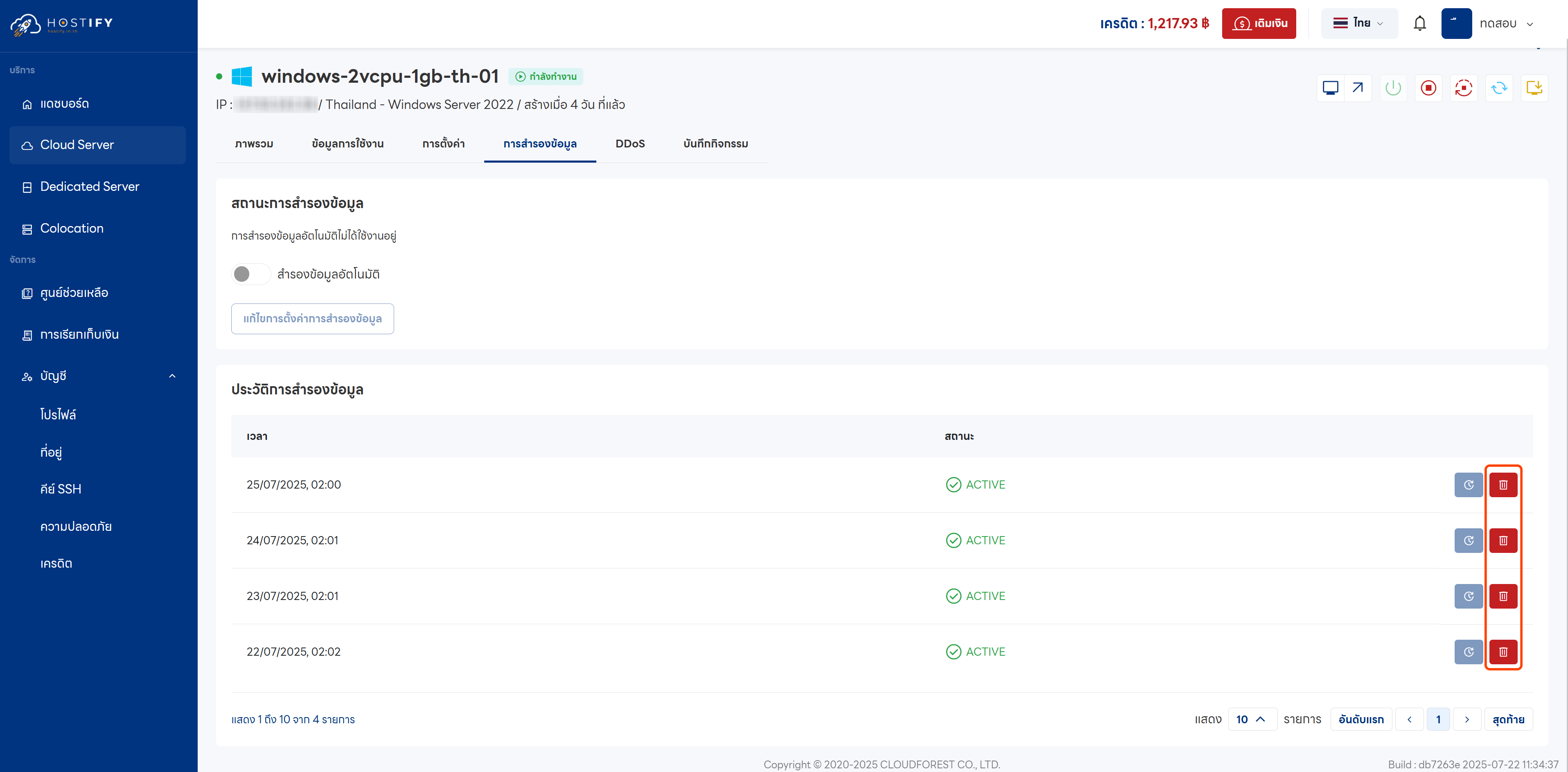
- Once all backup files have been deleted, no further backup charges will be incurred