How to Enable Cloud Server Backup
Steps to Enable Backup
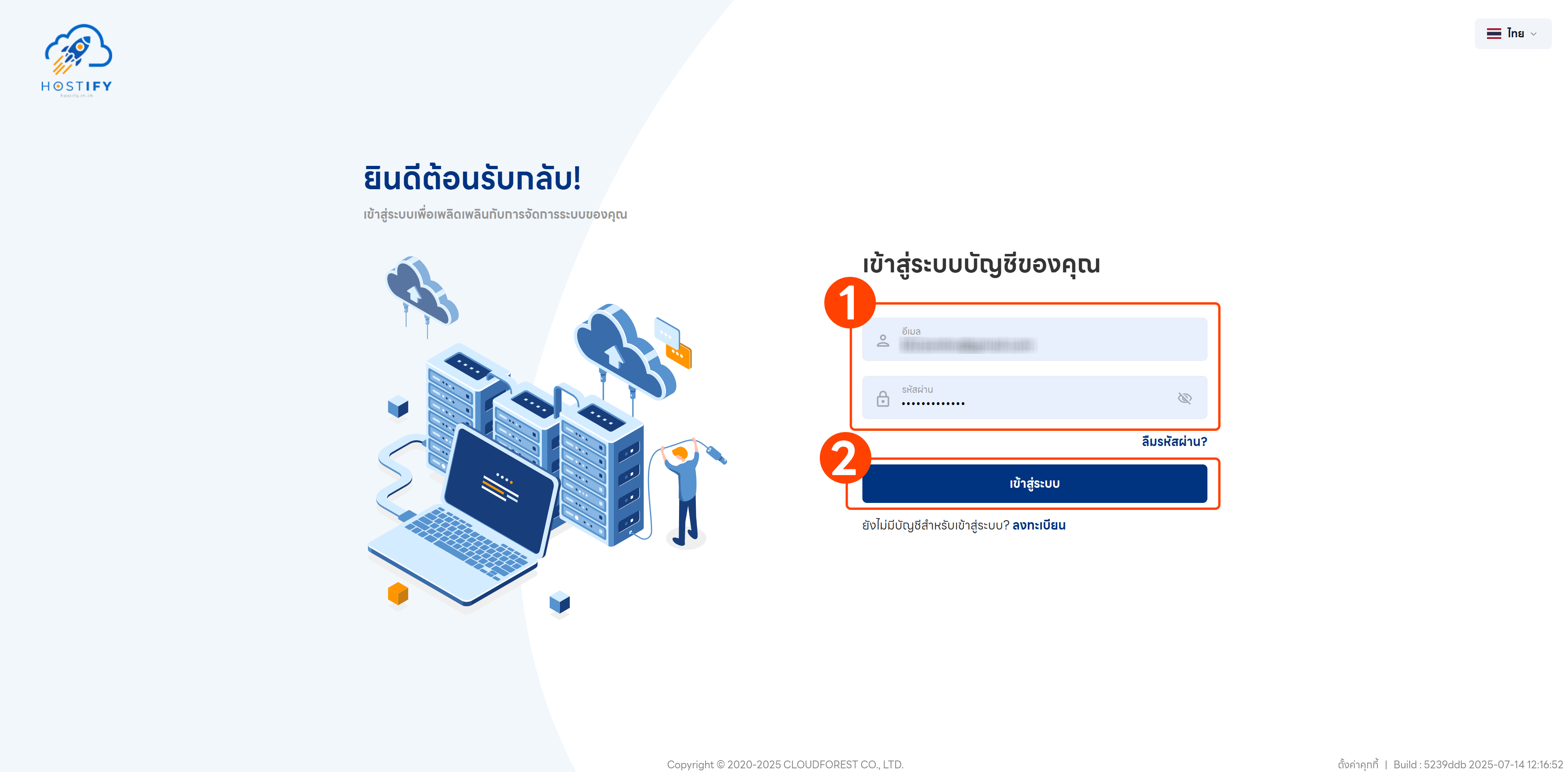
Section titled “Steps to Enable Backup”- Log in at fleet.hostify.in.th
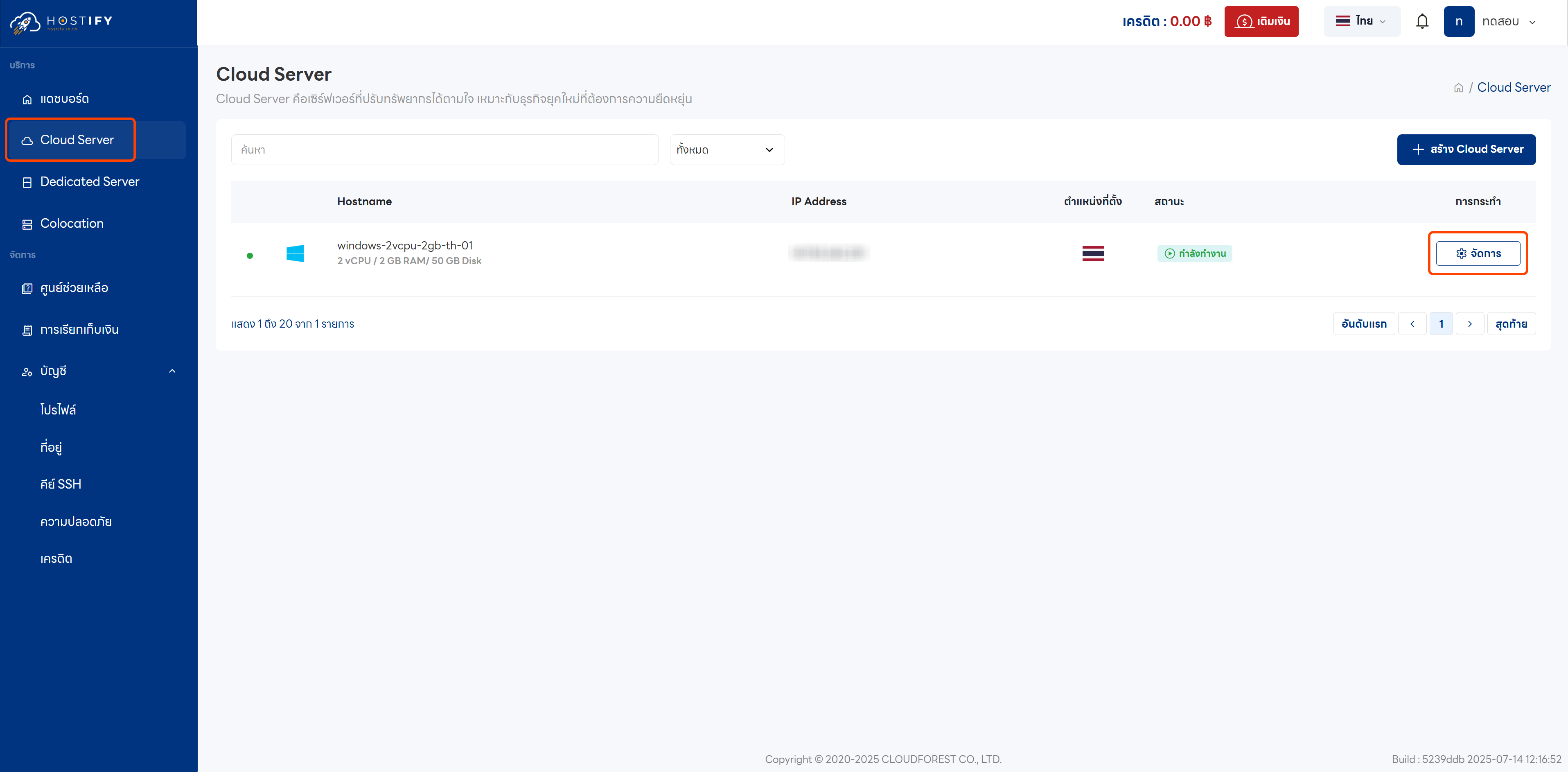
- Go to the management page for the desired Cloud Server
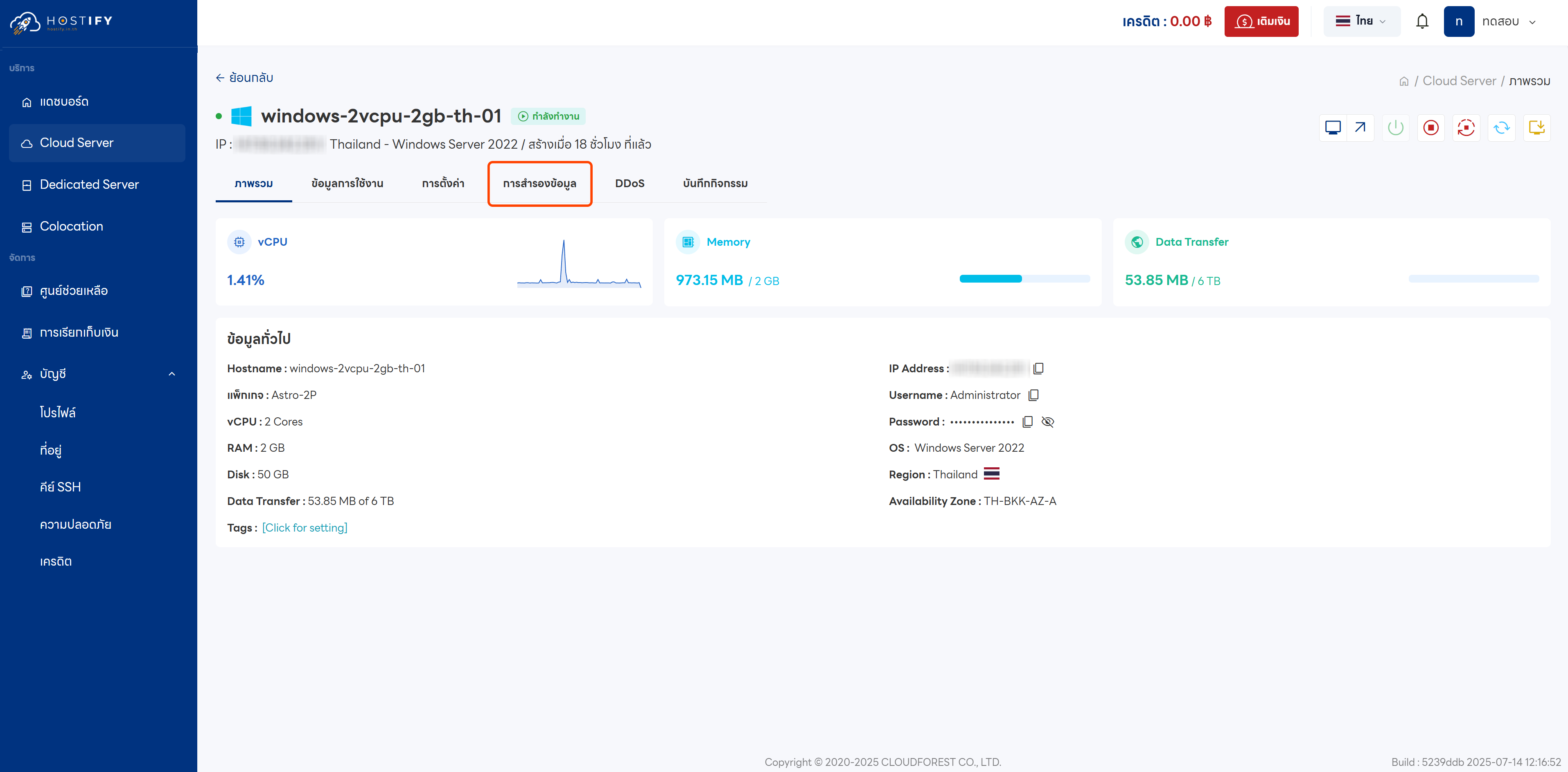
- Click the “Backup” tab
- Enable automatic backup
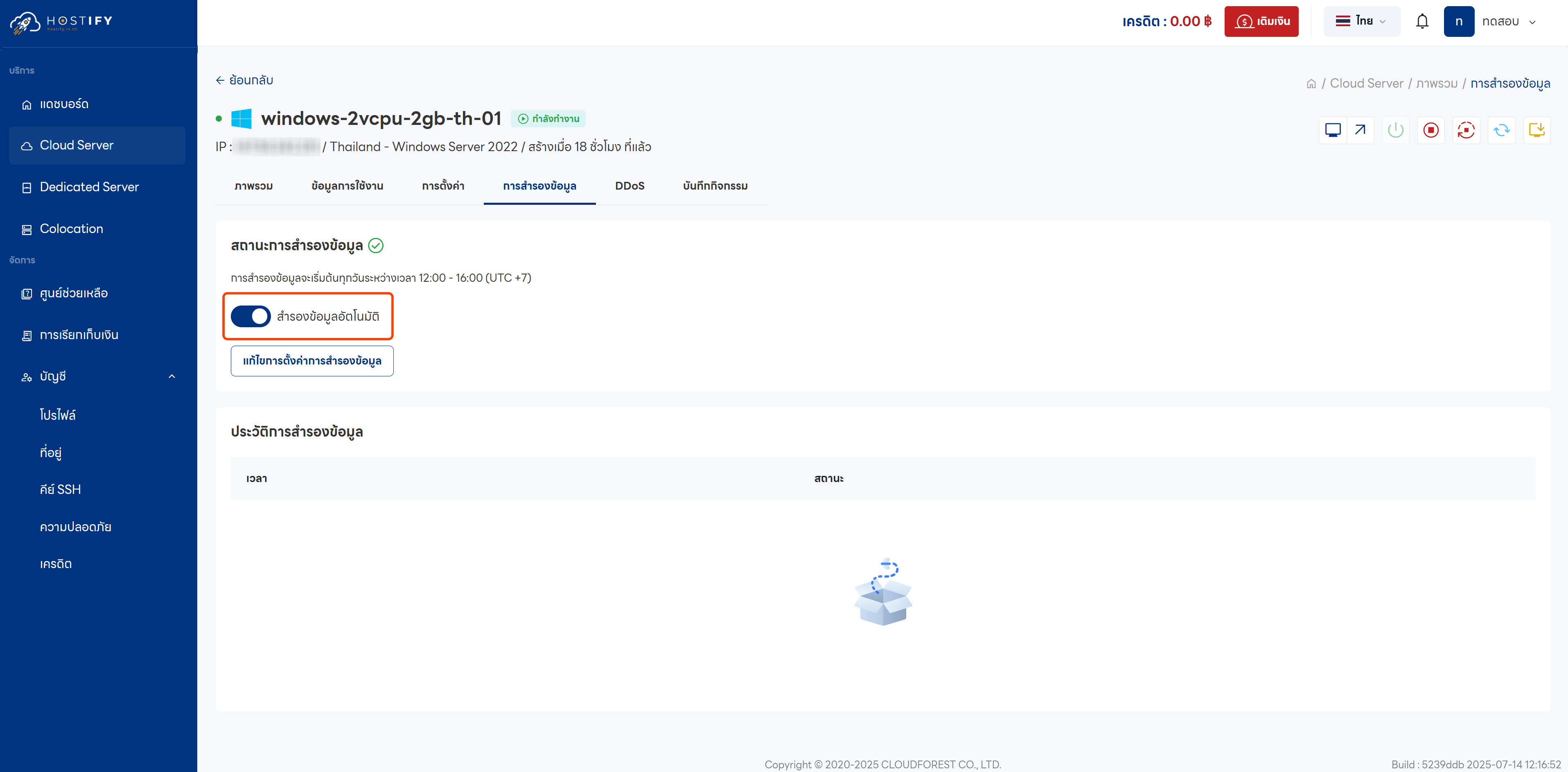
- Set the backup day and time — backup intervals are available every 4 hours. Then confirm to enable automatic backup.
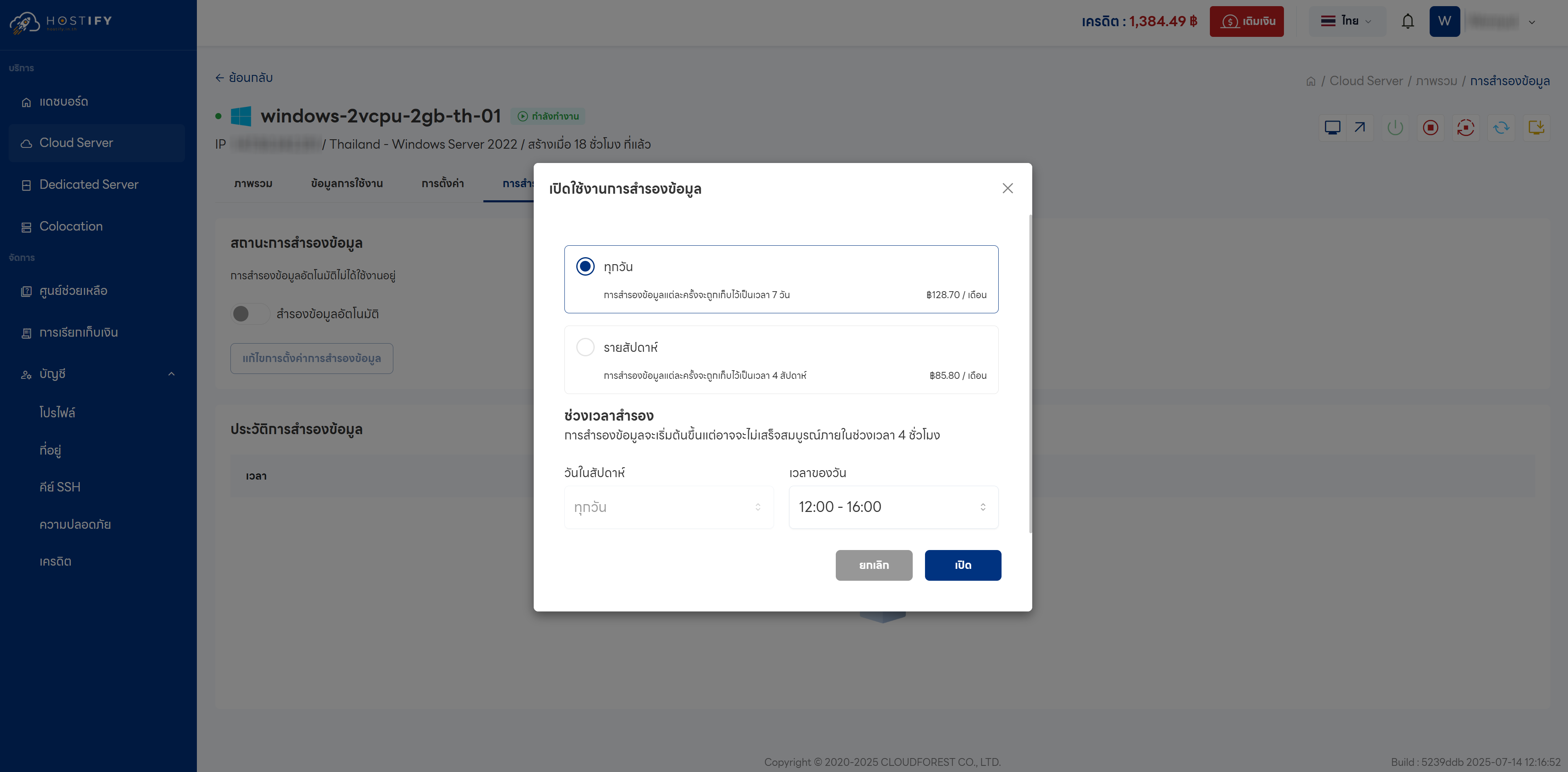
Backup Options
Section titled “Backup Options”Daily Backup
- Automatic backup every day, retaining data for the past 7 days
- Cost: 30% of the base plan price per month
- Suitable for those who need frequent recovery options
Weekly Backup
- Automatic backup every week, retaining data for the past 4 weeks
- Cost: 20% of the base plan price per month
- Suitable for long-term data protection at a lower cost
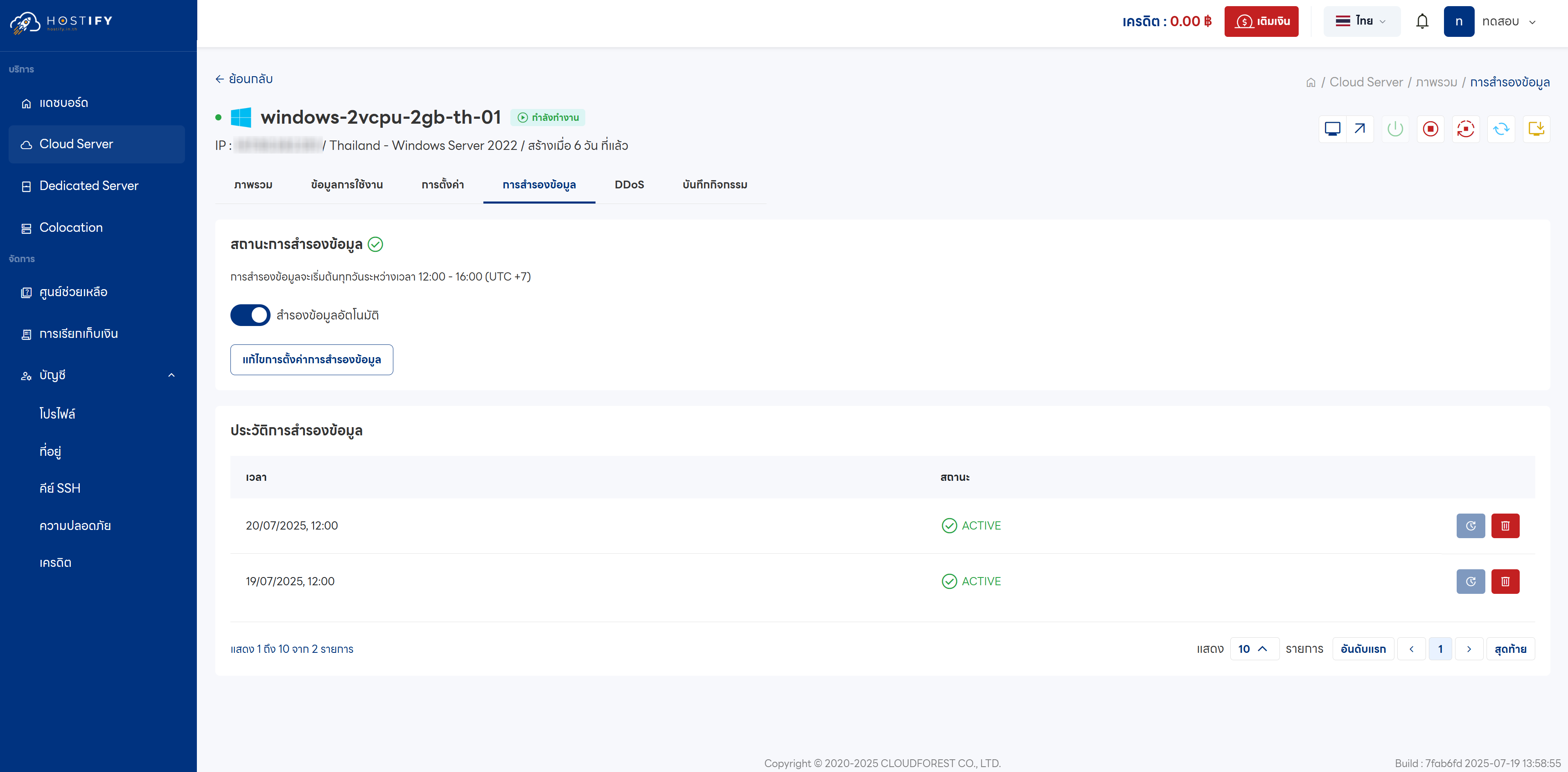
Note: Backup charges only apply once backup files exist.
Once complete, the system will display the backup date/time and an ACTIVE status when ready for restoration.