How to Temporarily Extend Windows Server Activation
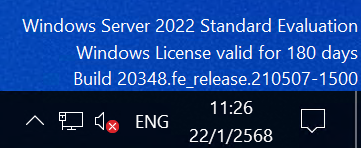
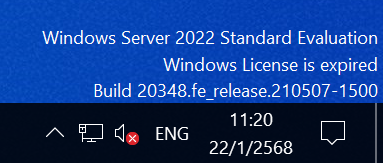
Windows Server runs in a trial mode for 180 days. Once this period expires, you can extend it temporarily.
Steps to Extend
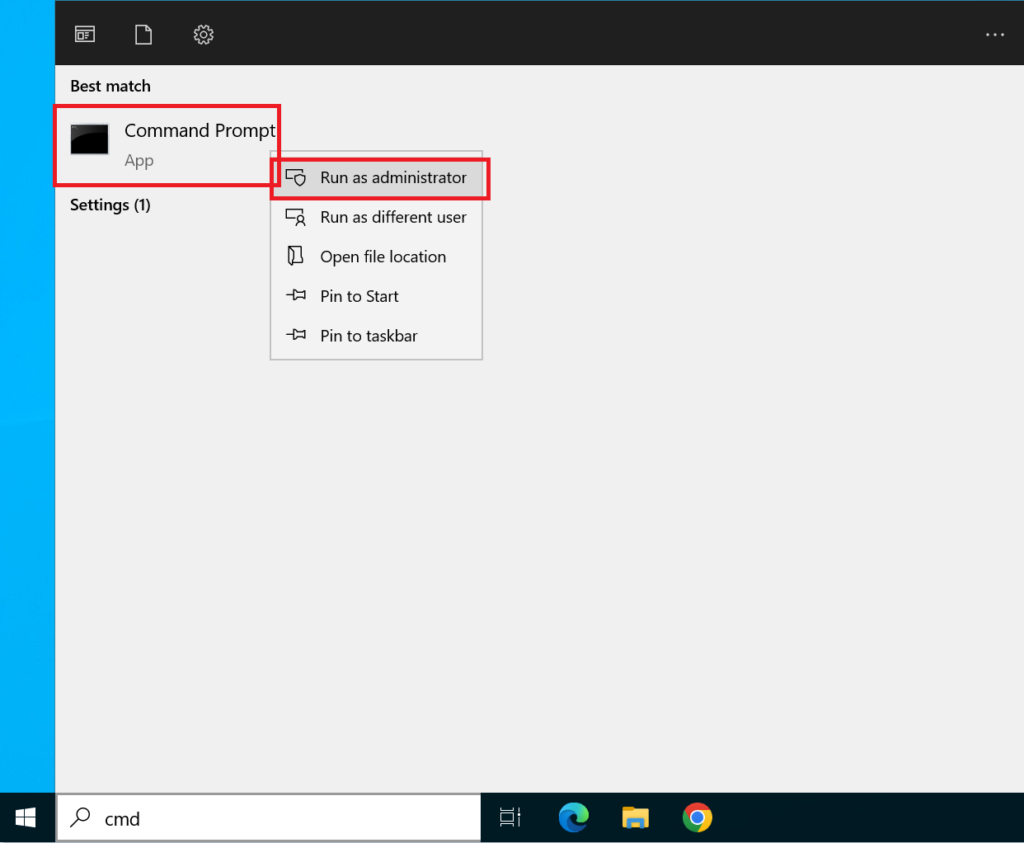
Section titled “Steps to Extend”- Open Command Prompt as Administrator by pressing Start, typing “CMD”, and selecting “Run as administrator”
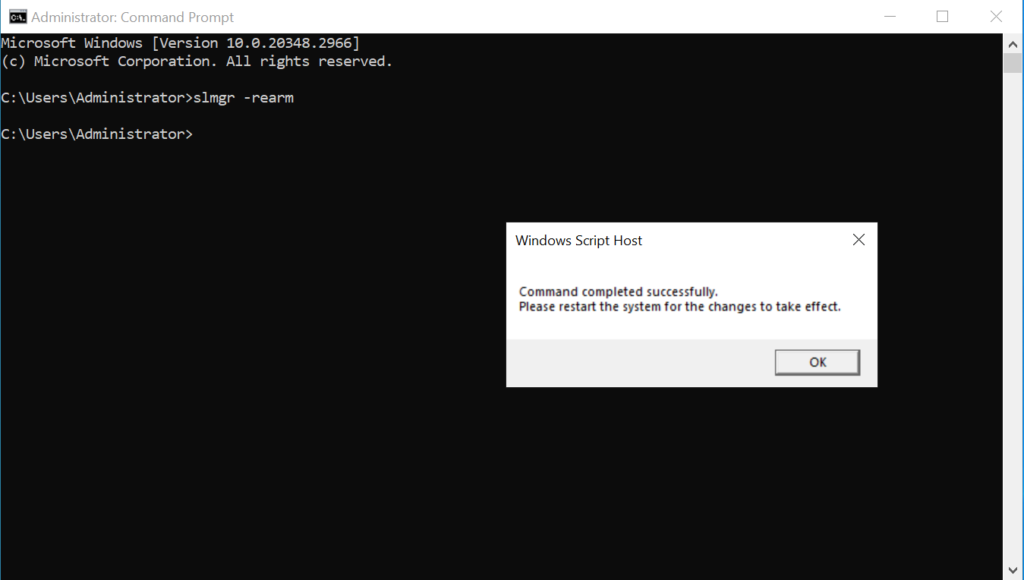
- Type the following command and press Enter:
- Confirm in the popup window that appears
- Restart the machine. After restarting, the system will display “Windows License valid for 180 Days”, indicating that an additional 180-day period has been granted.