Disabling Two-Factor Authentication (2FA)
Requirements: An account with Two-Factor Authentication already enabled
Steps to Disable 2FA
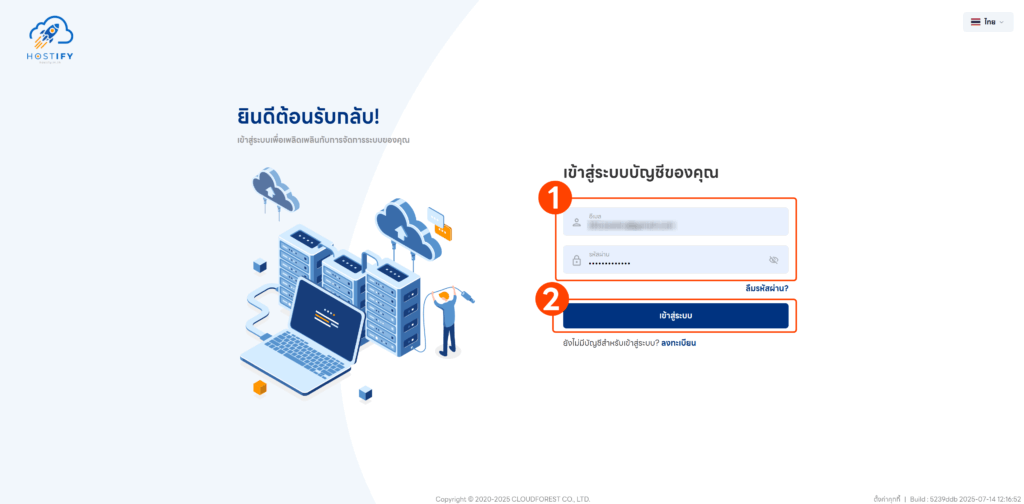
Section titled “Steps to Disable 2FA”- Log in at fleet.hostify.in.th
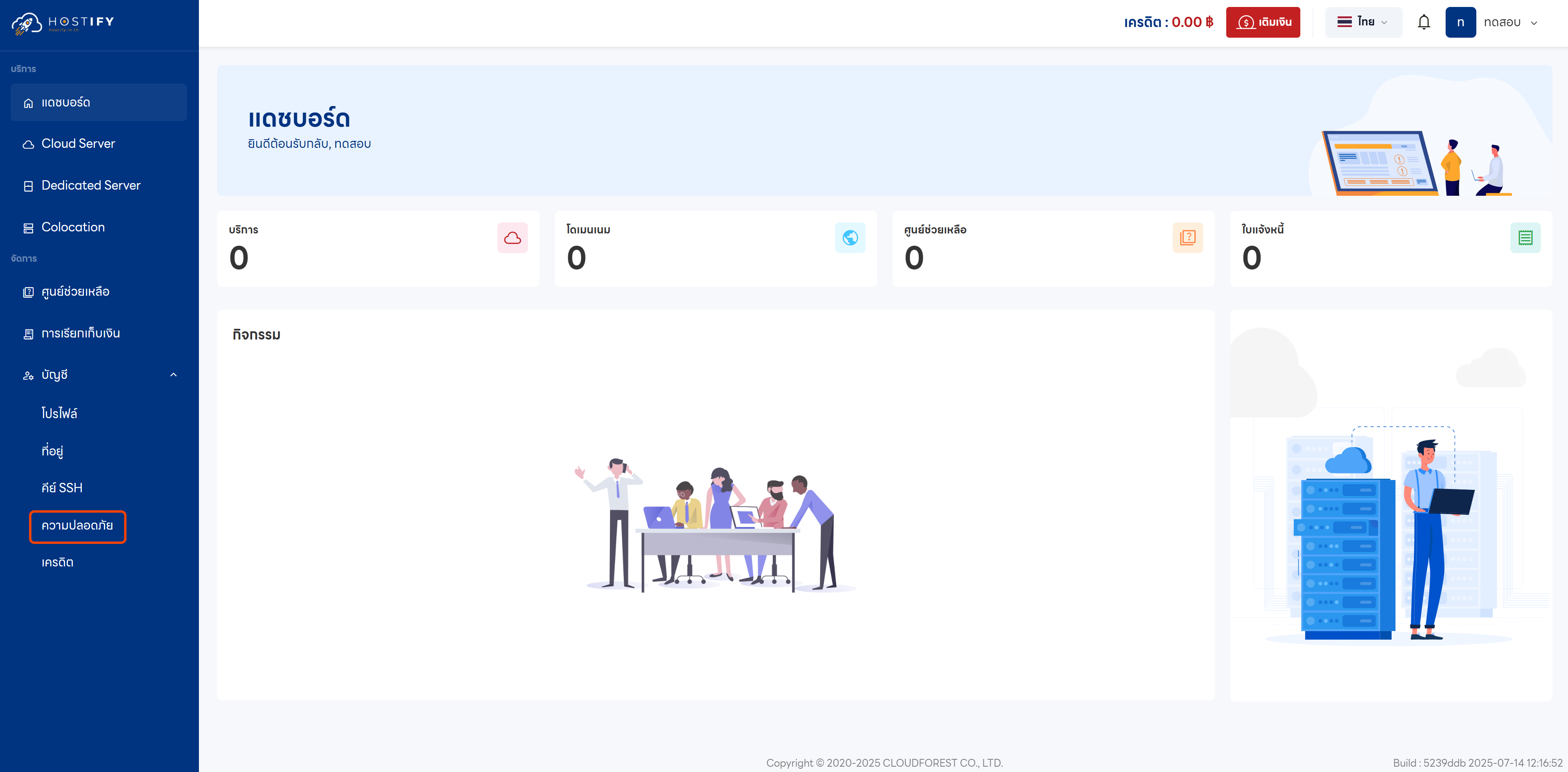
- Go to the ‘Security’ menu from the left sidebar
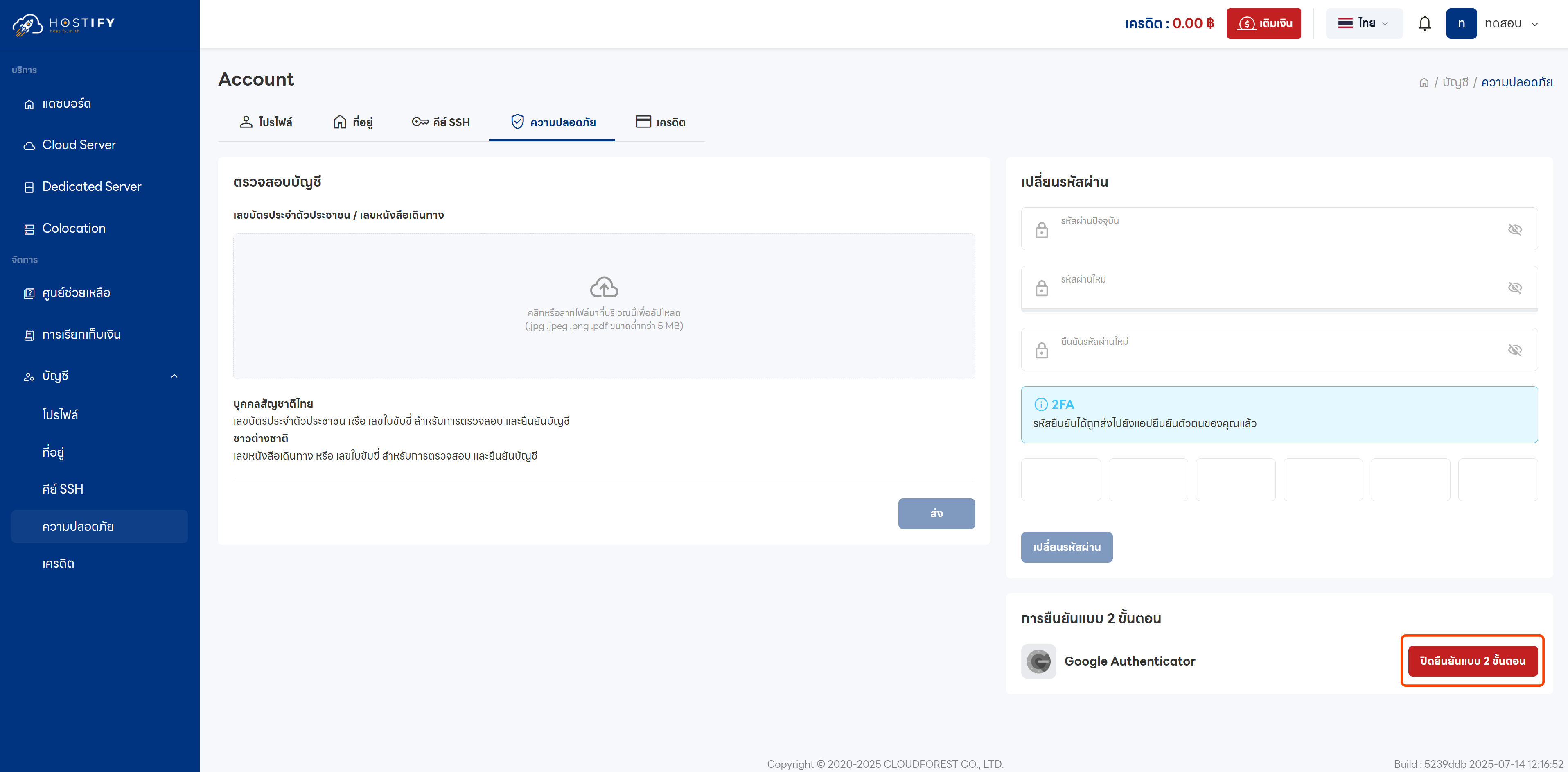
- Select ‘Disable Two-Factor Authentication’ to begin the process
- Enter the 6-digit OTP code from your authentication app
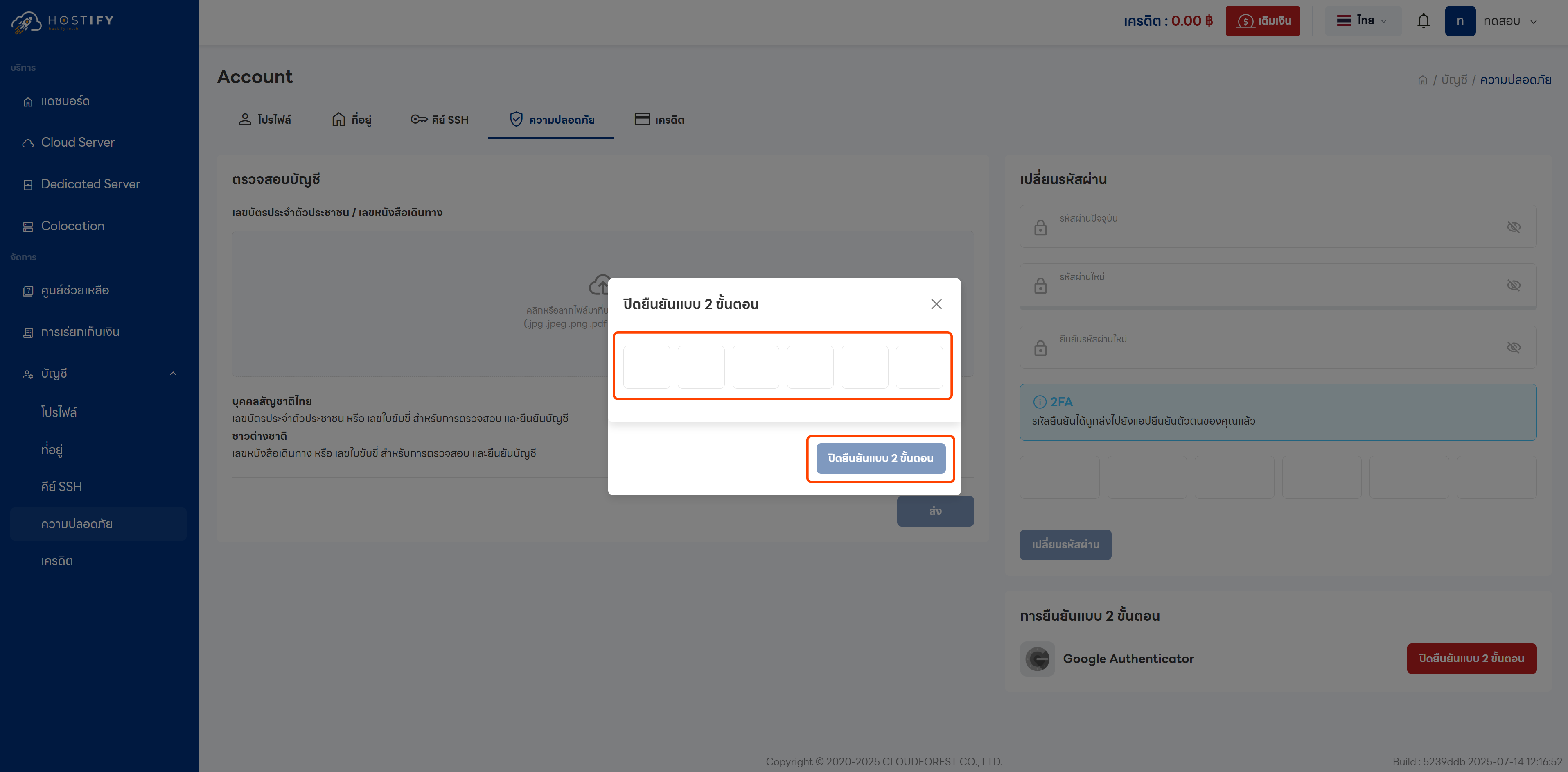
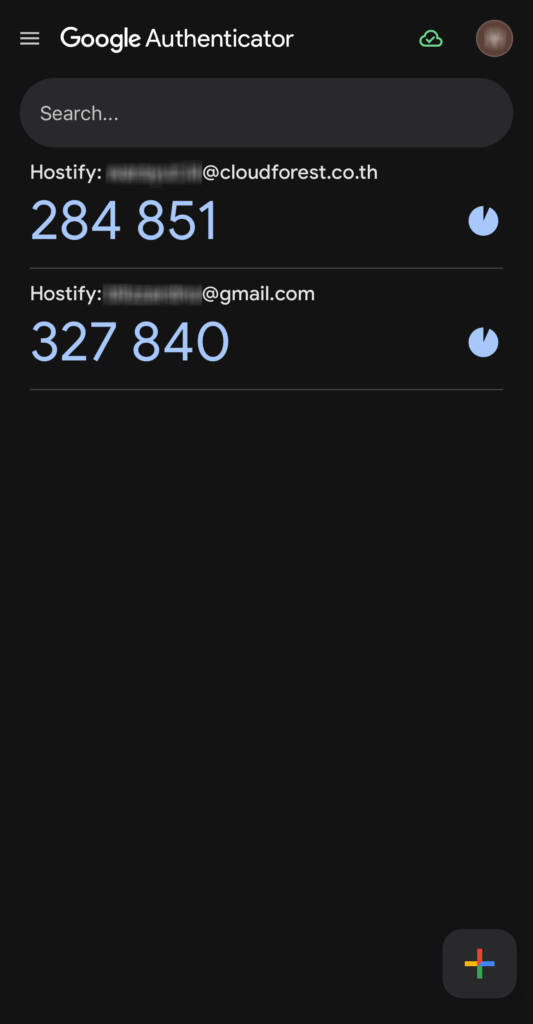
- Click ‘Disable Two-Factor Authentication’ to confirm
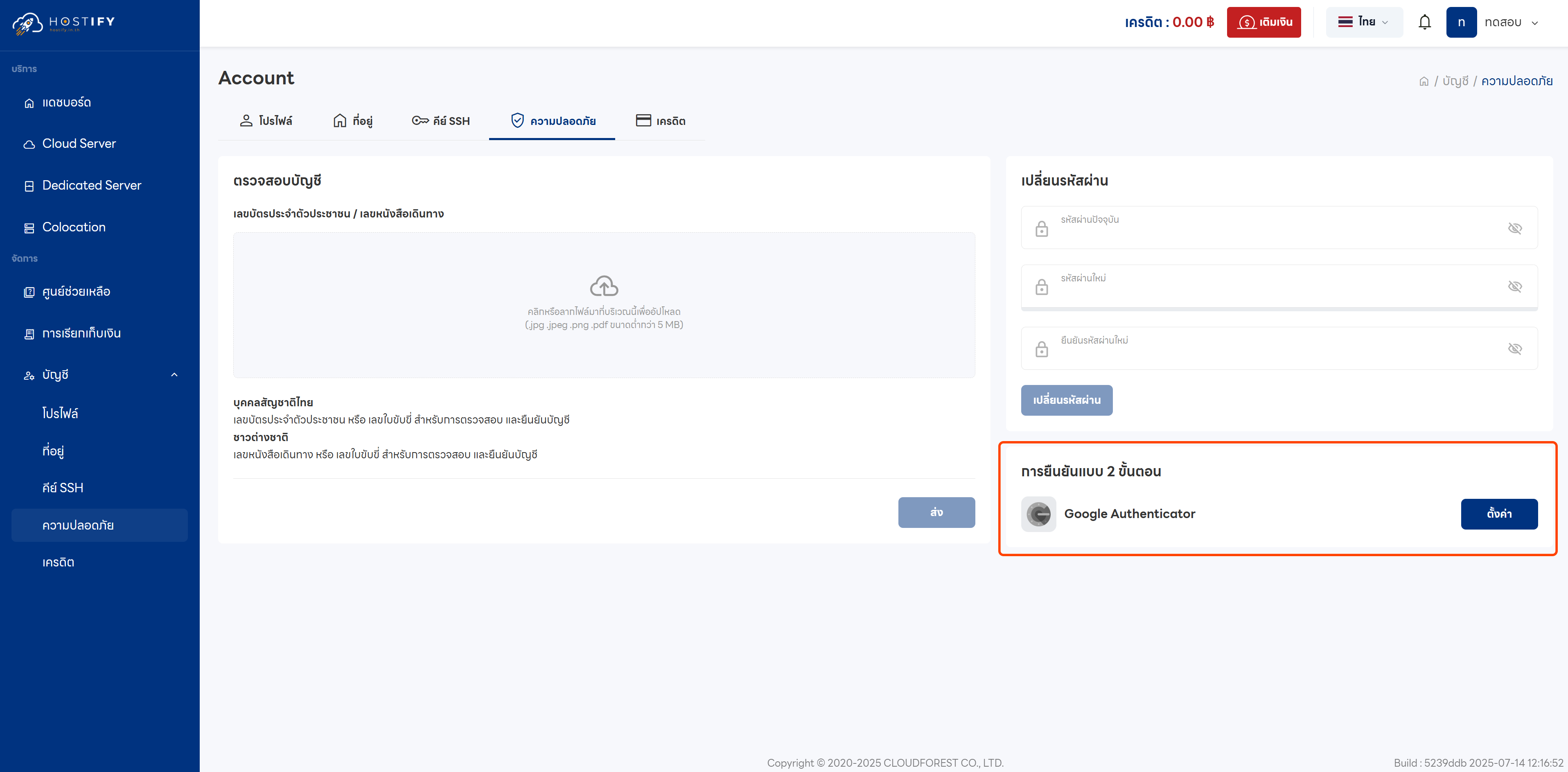
Once complete, the system will confirm that two-factor authentication has been successfully disabled on your account.