Password Reset
Steps to Reset Your Password
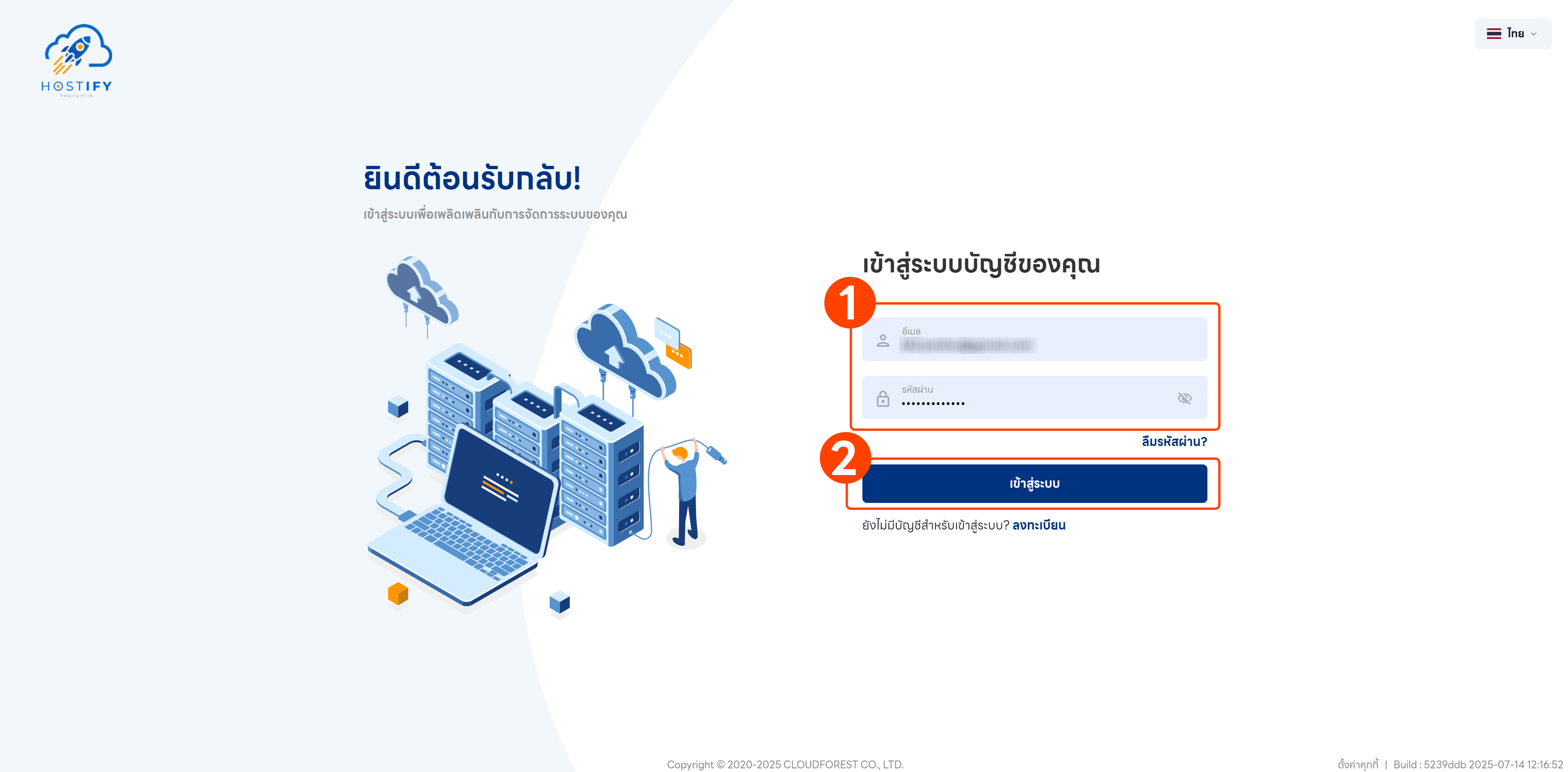
Section titled “Steps to Reset Your Password”Step 1: Go to fleet.hostify.in.th
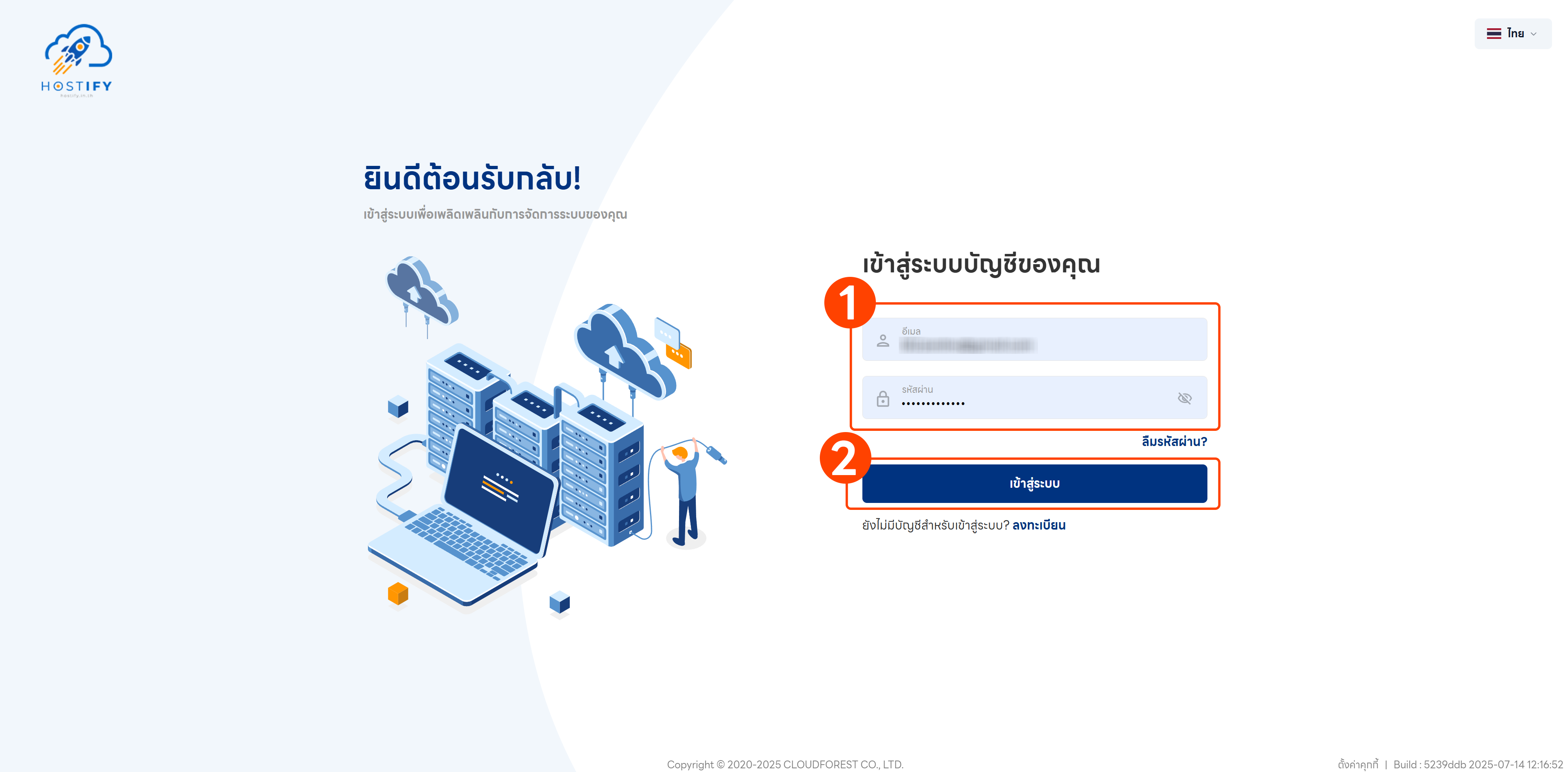
Step 2: Click the “Forgot Password” button
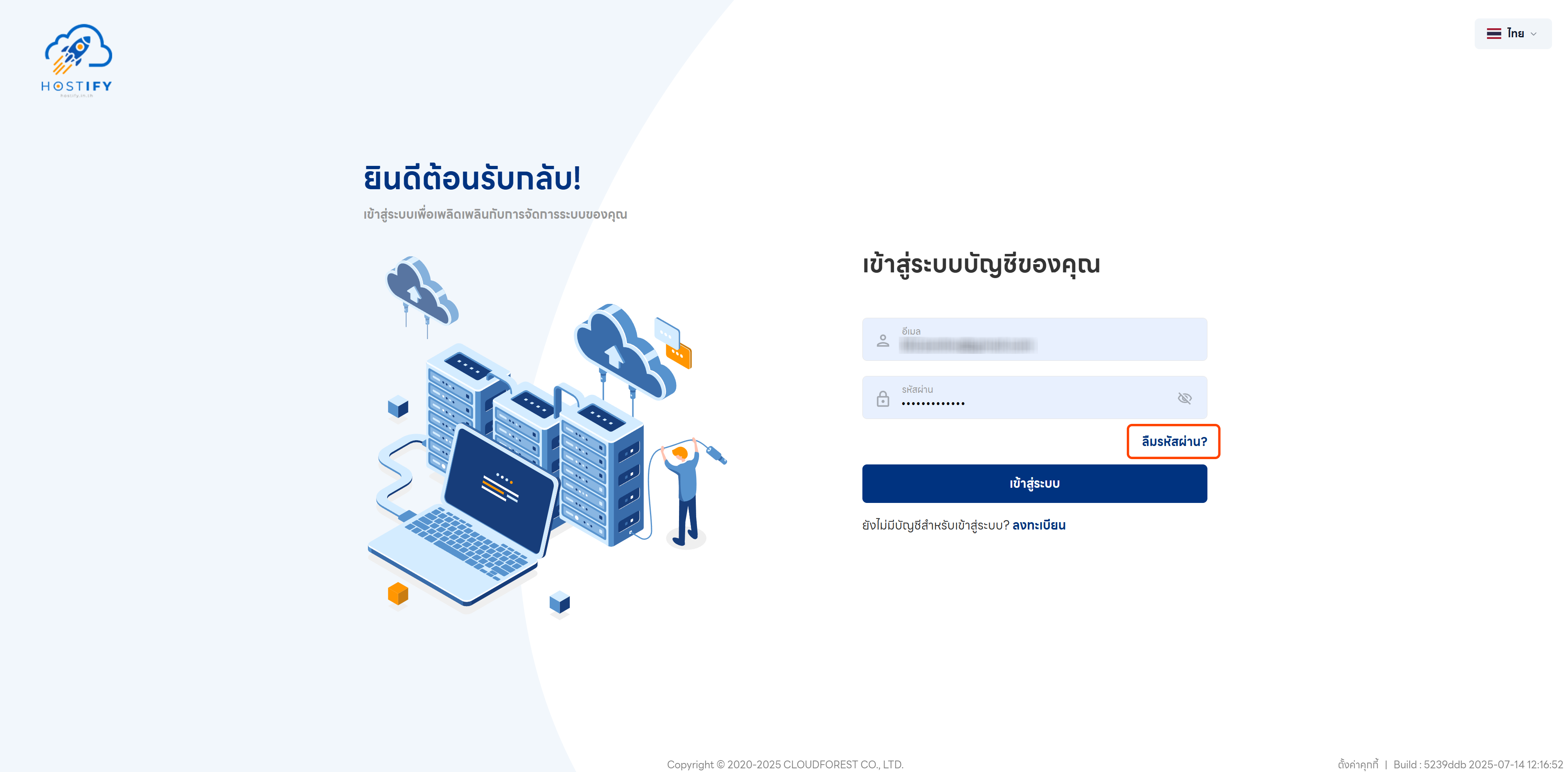
Step 3: Enter your registered email address and click “Send Code” to receive a verification code by email
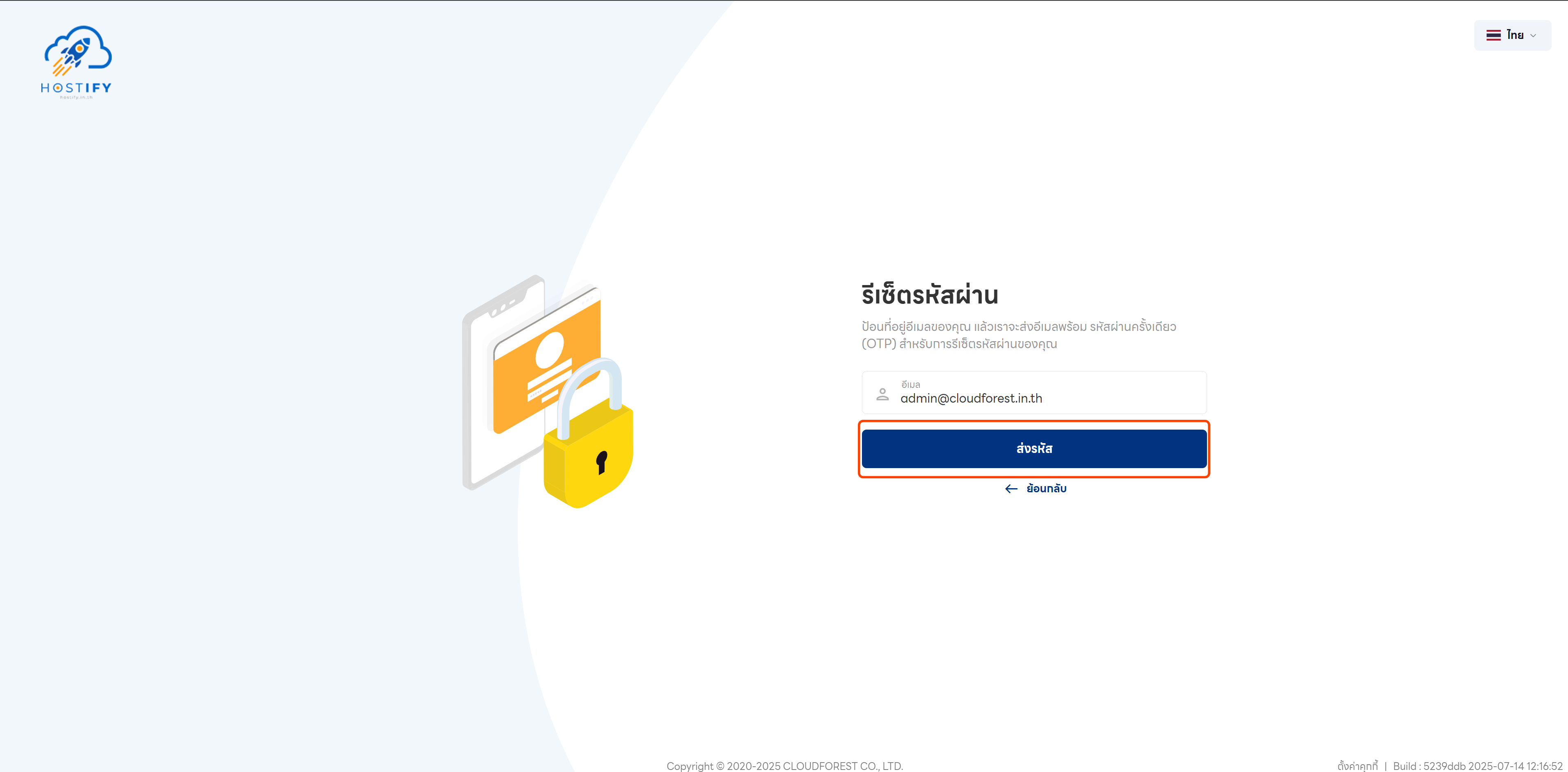
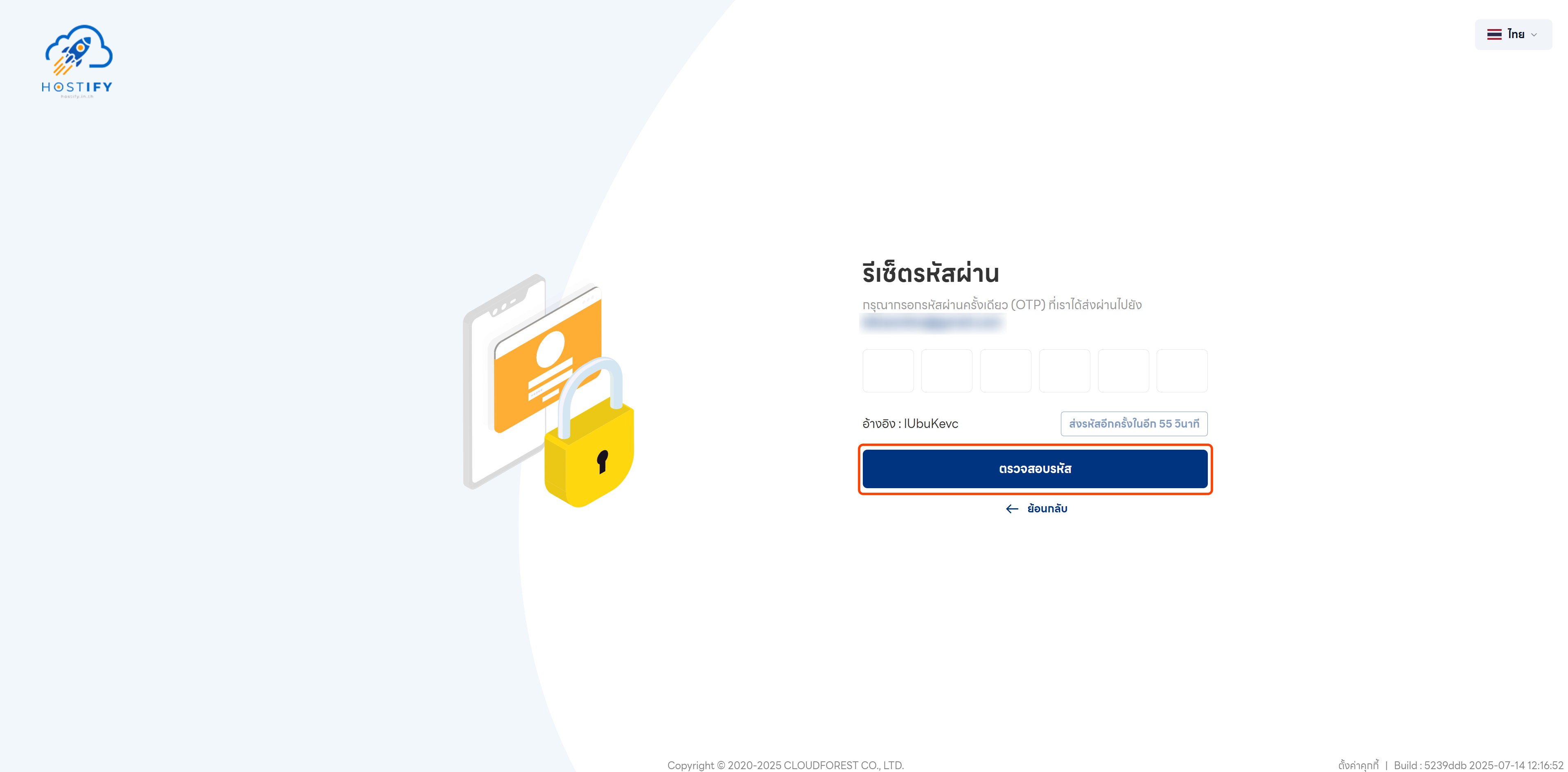
Step 4: Enter the 6-digit verification code sent to your registered email, then click “Verify Code” to continue
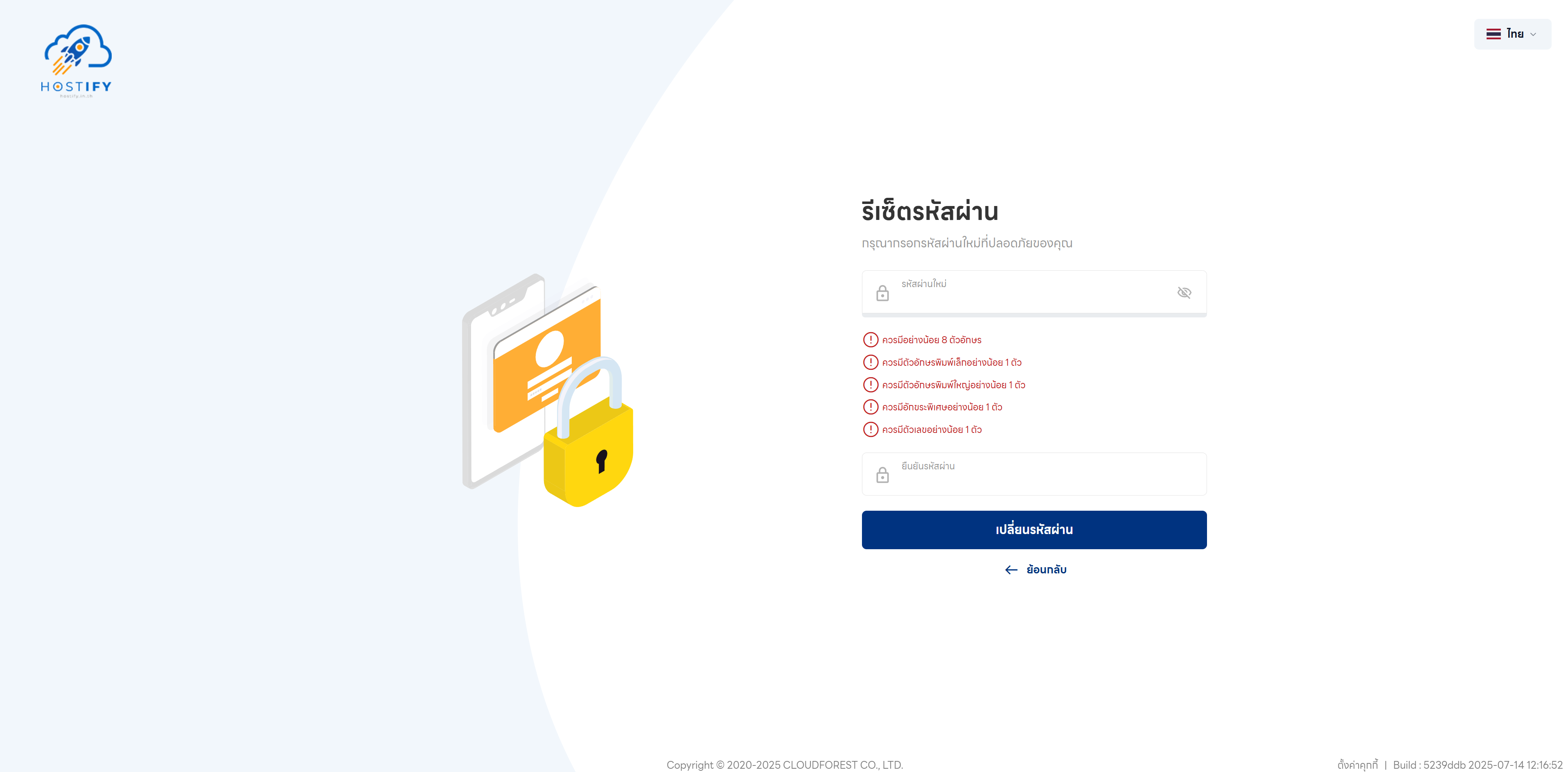
Step 5: Set a new password that meets the following requirements:
- More than 8 characters long
- At least 1 uppercase letter
- At least 1 lowercase letter
- At least 1 special character
- At least 1 number
Click “Change Password” to confirm.
Step 6: Once the password has been changed successfully, return to the login page and enter your email and new password to log in.