Identity Verification
What You Need to Prepare
Section titled “What You Need to Prepare”A copy of your national ID card, driver’s license, or passport (for foreign nationals), with a certified true copy stamp.
Steps to Verify Your Identity
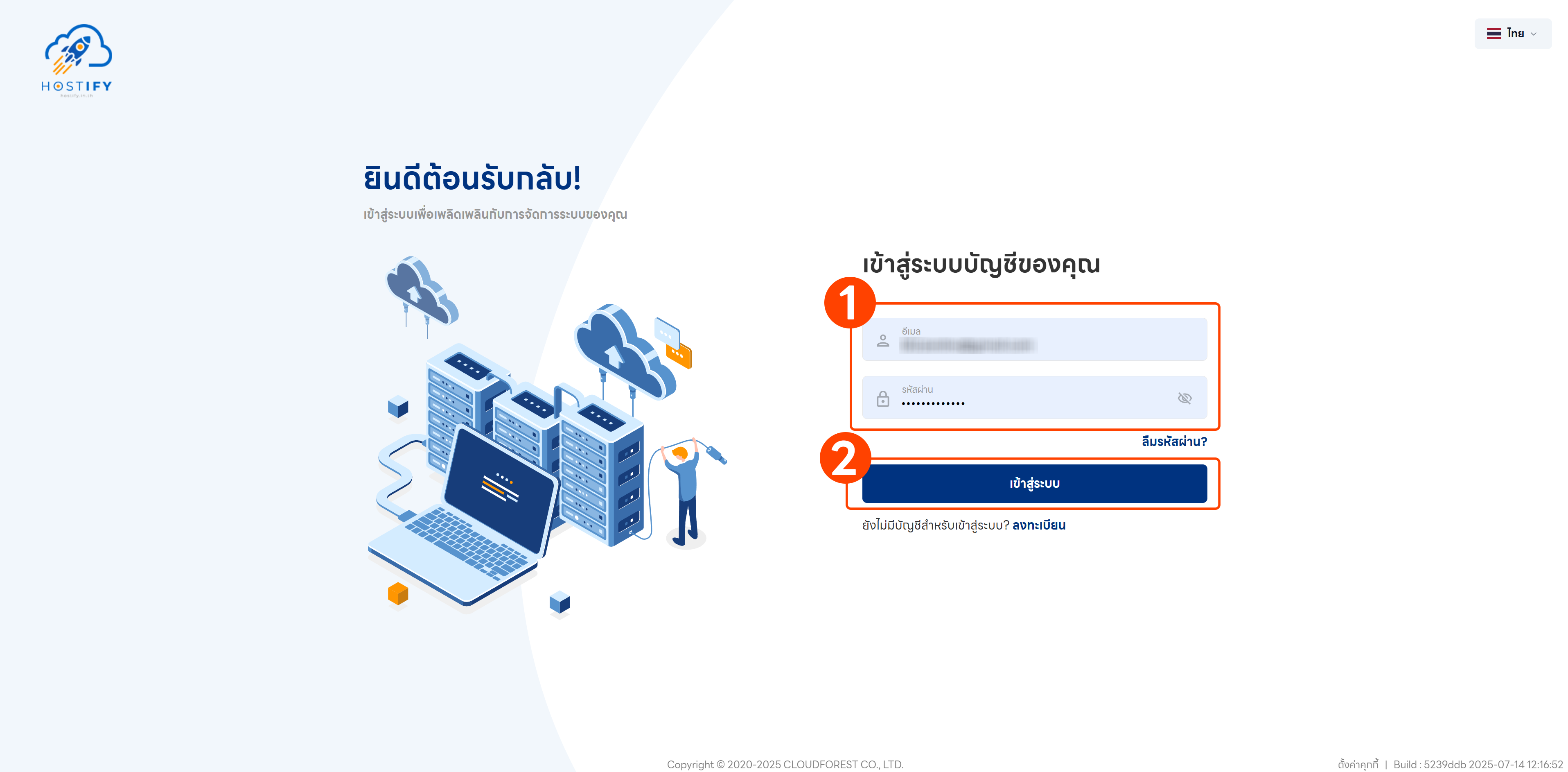
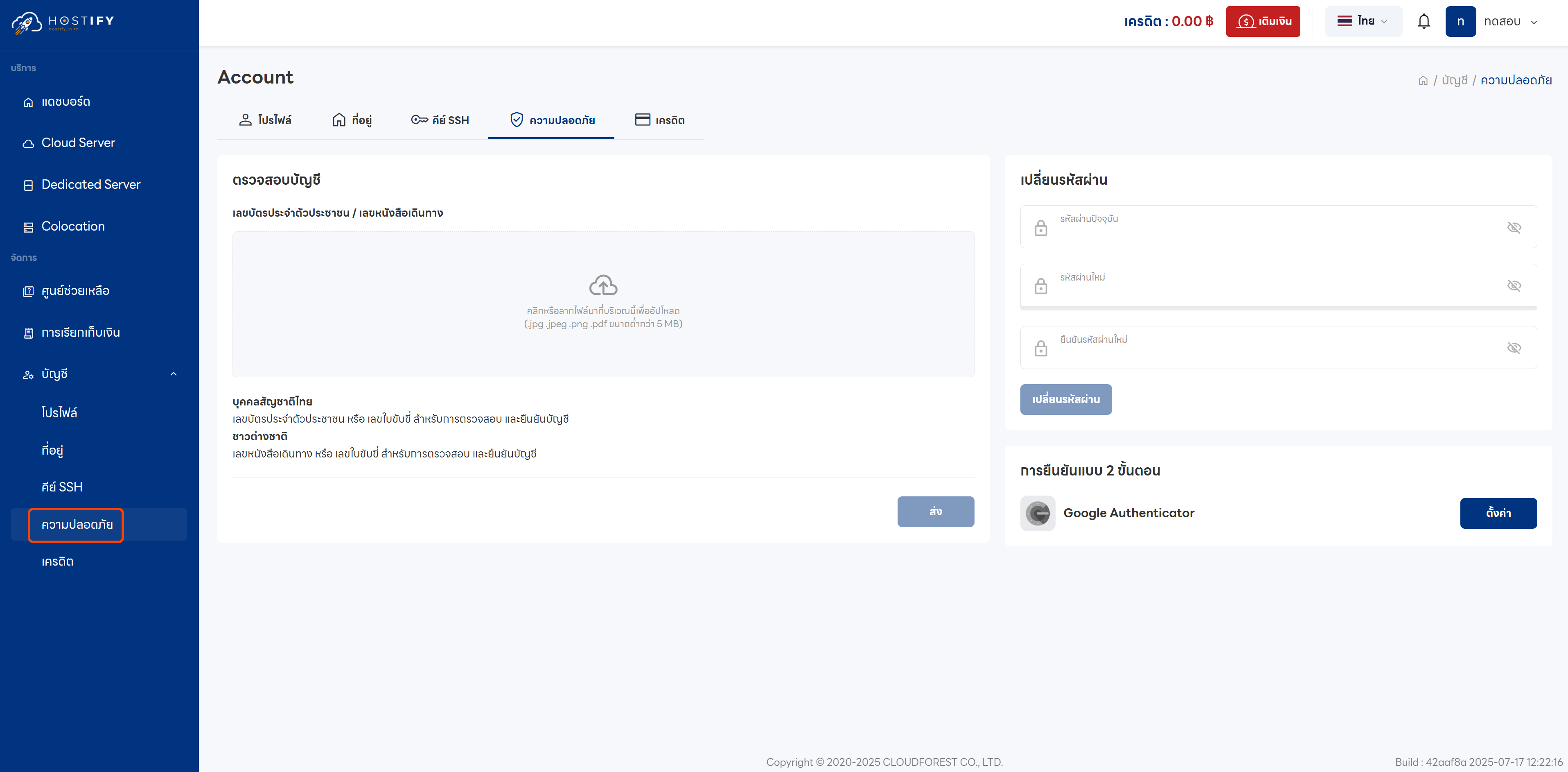
Section titled “Steps to Verify Your Identity”Steps 1–2: Log in at fleet.hostify.in.th, then go to the Security menu to access the Account Verify page.
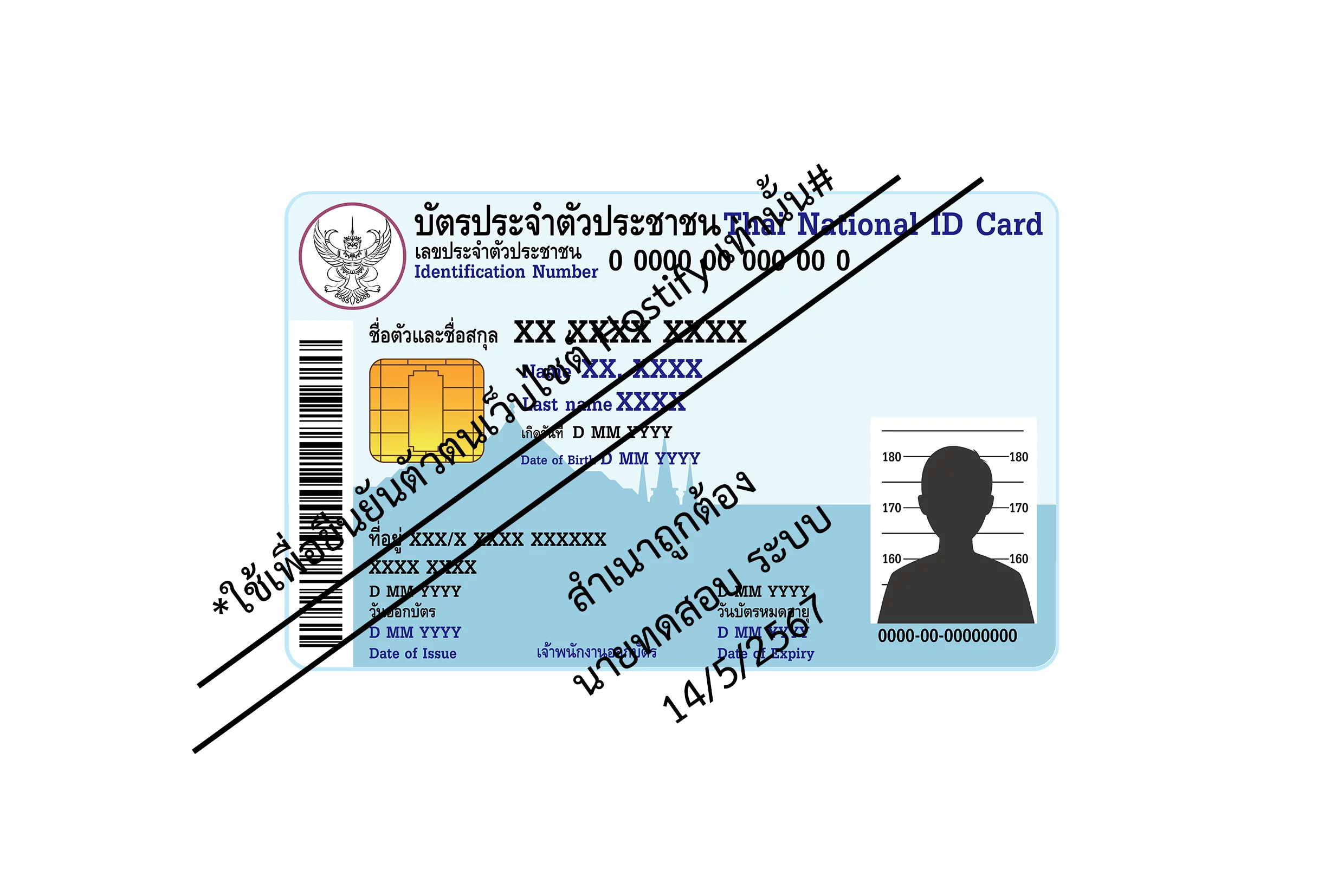
Step 3: Prepare your identity document. Use only the front side of the national ID card, signed and stamped as a certified true copy.
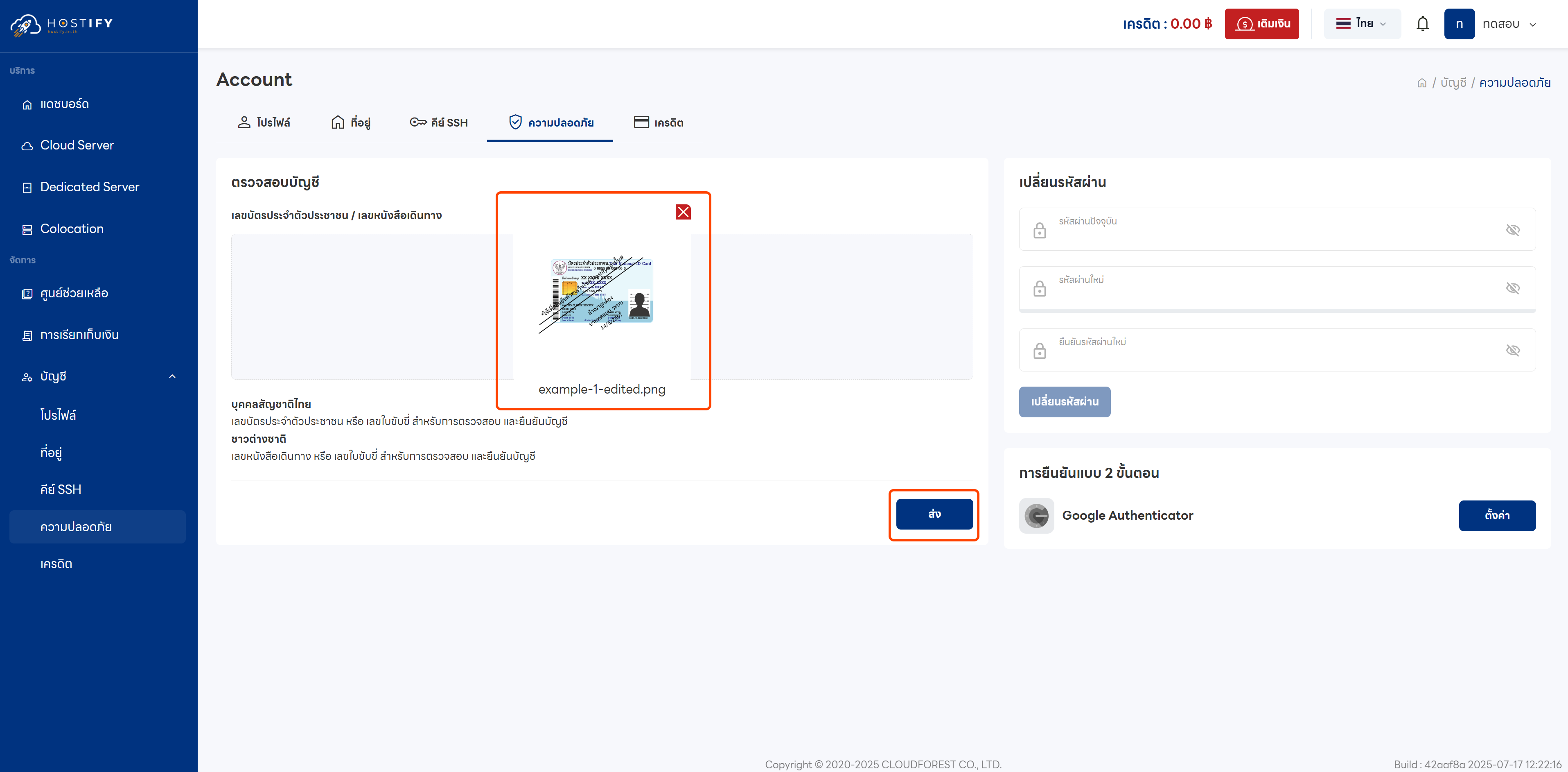
Step 4: Upload the document in JPG, JPEG, PNG, or PDF format, with a maximum size of 5 MB, then click the submit button.
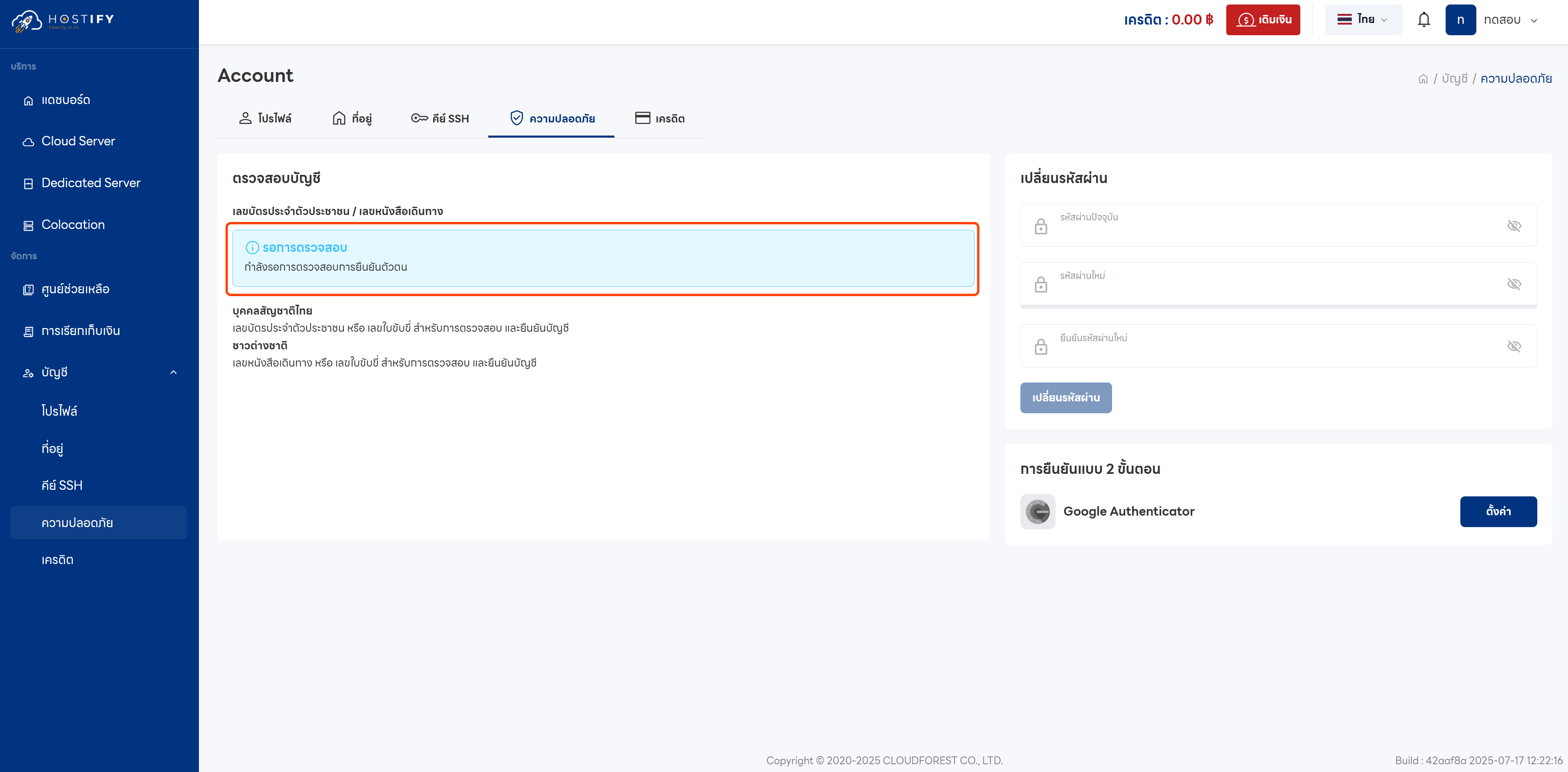
Step 5: The system requires up to 1 business day for review.
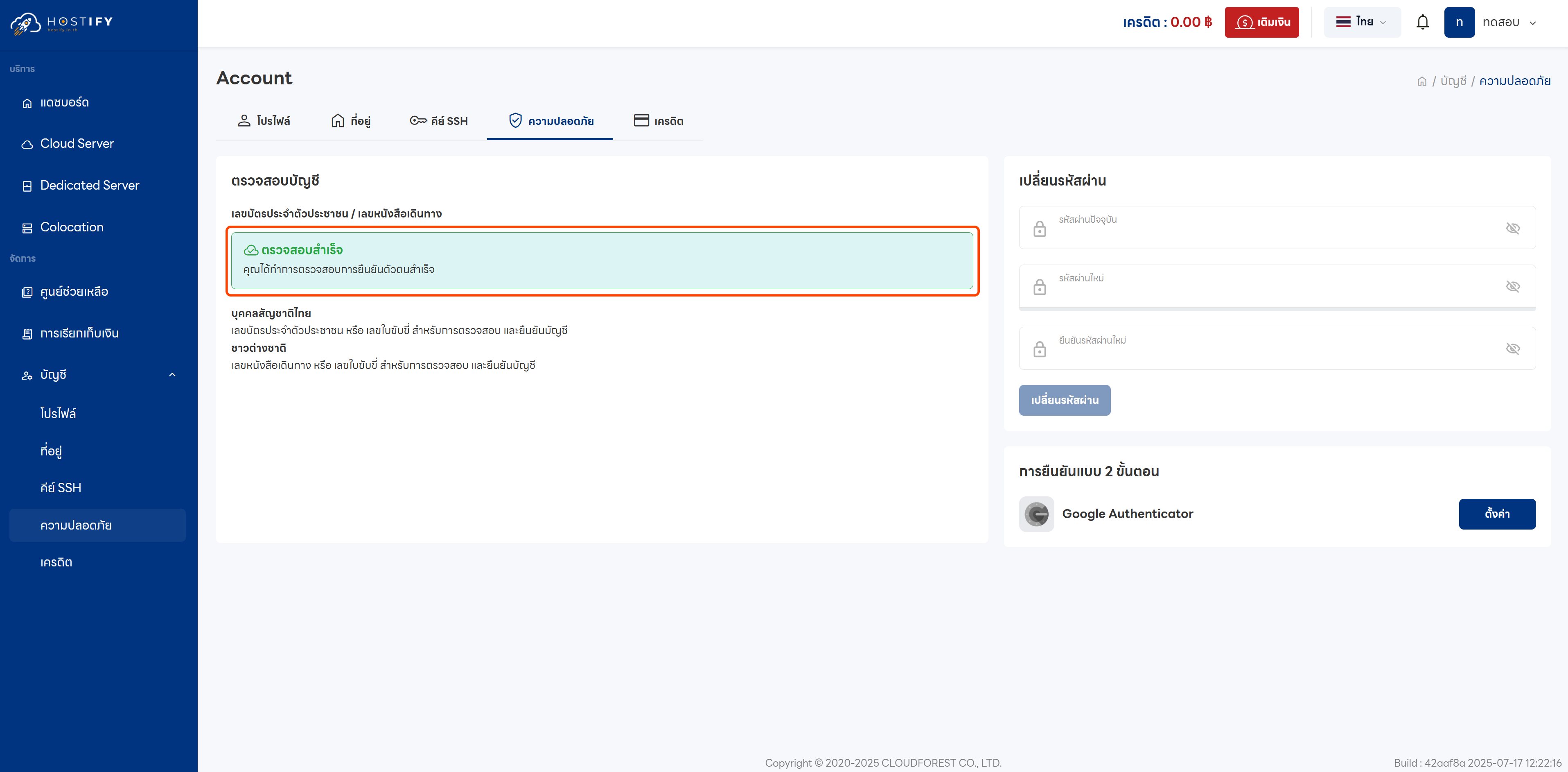
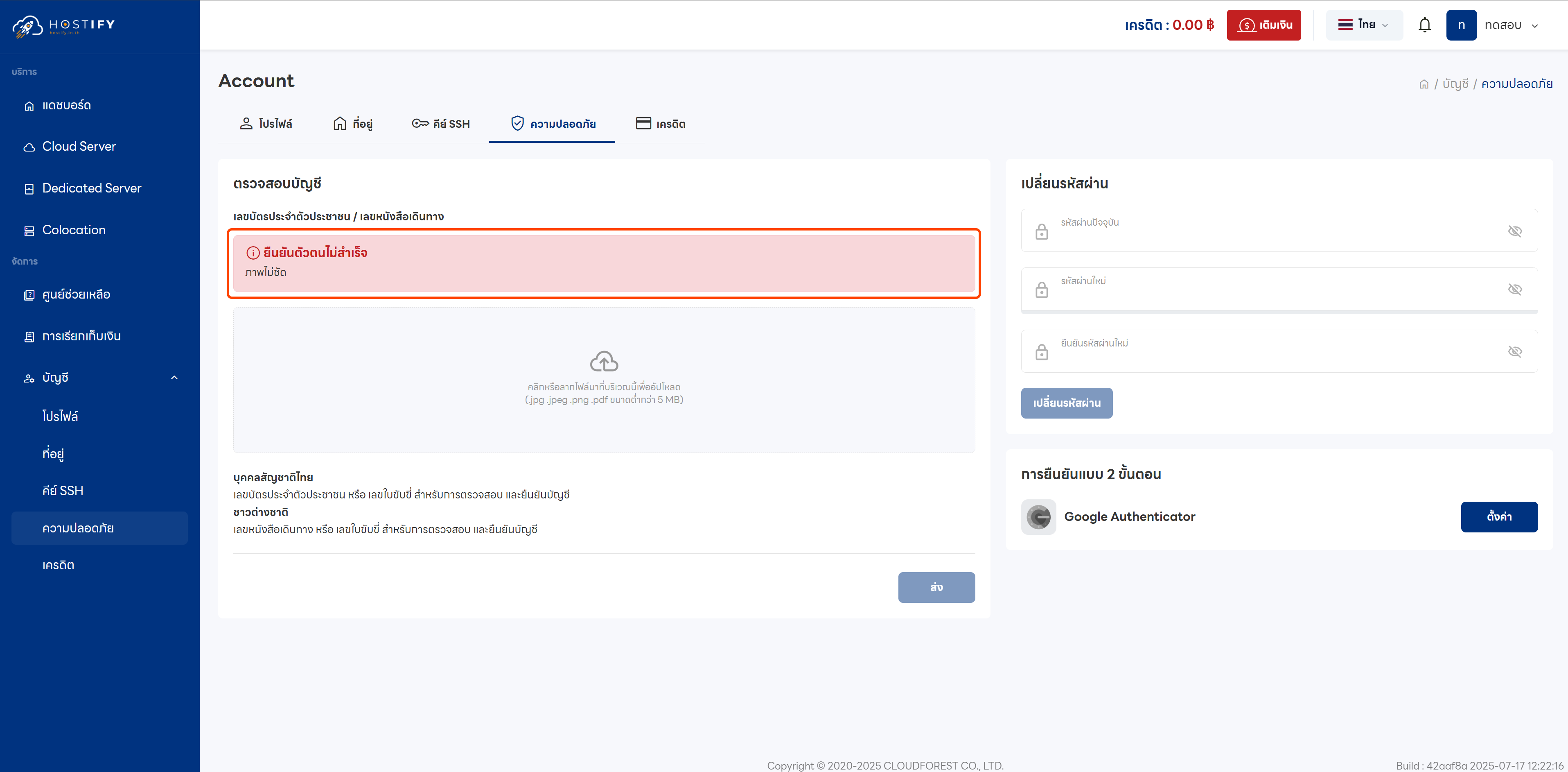
Steps 6–7: If successful, the status will show “Verification Successful”. If unsuccessful, the system will display “Verification Failed” along with the reason, and you may resubmit your document.